By PortableMonitor Editorial Team ·
Portable Monitor Size Guide: 14 vs 15.6 vs 17 Inch (2026)
Which portable monitor size fits you: 14, 15.6 or 17.3 inch? We compare screen area, weight, sharpness and price using listing specs for Indian buyers.
Disclosure: as an Amazon Associate we earn from qualifying purchases made through links on this page. This guide is based on manufacturer specifications, Amazon.in listings and owner reviews. Prices change, so check the live price before you buy. How we research.
The best portable monitor size for most people in India is 15.6 inch, with 14 inch for the lightest carry and 17.3 inch for the most screen space on a desk. The differences are small on paper (a few centimetres) but they decide whether the monitor fits your bag, your desk and your laptop's power budget.
This guide compares the three common sizes using specs from the listings we track on Amazon.in, then covers two larger options for desk-bound use. Prices below are around the figure shown at the time of writing. Amazon prices change, so use the product page links for the live price.
How big is each size, really?
Portable monitors are almost all 16:9, so diagonal size maps to a fixed width and height. These figures are calculated from the diagonal, not measured, and the real panel with its bezel will be a little larger.
| Diagonal | Screen width | Screen height | Screen area vs 14" | 1080p sharpness |
|---|---|---|---|---|
| 14" | about 31 cm | about 17 cm | 1.0x | about 157 ppi |
| 15.6" | about 34.5 cm | about 19.5 cm | about 1.24x | about 141 ppi |
| 17.3" | about 38 cm | about 21.5 cm | about 1.53x | about 127 ppi |
Two things stand out. First, each step up gives you roughly 24% more screen area than the one before, which is noticeable but not dramatic. Second, at the same 1080p resolution, a bigger screen is less sharp because the same pixels are spread wider. If you sit close and read small text, that matters more than the extra inches.
14 inch: lightest and easiest to pack
A 14 inch monitor pairs naturally with a 13 or 14 inch laptop. It is the size to pick when weight and bag space beat everything else.
We list two 14 inch options:
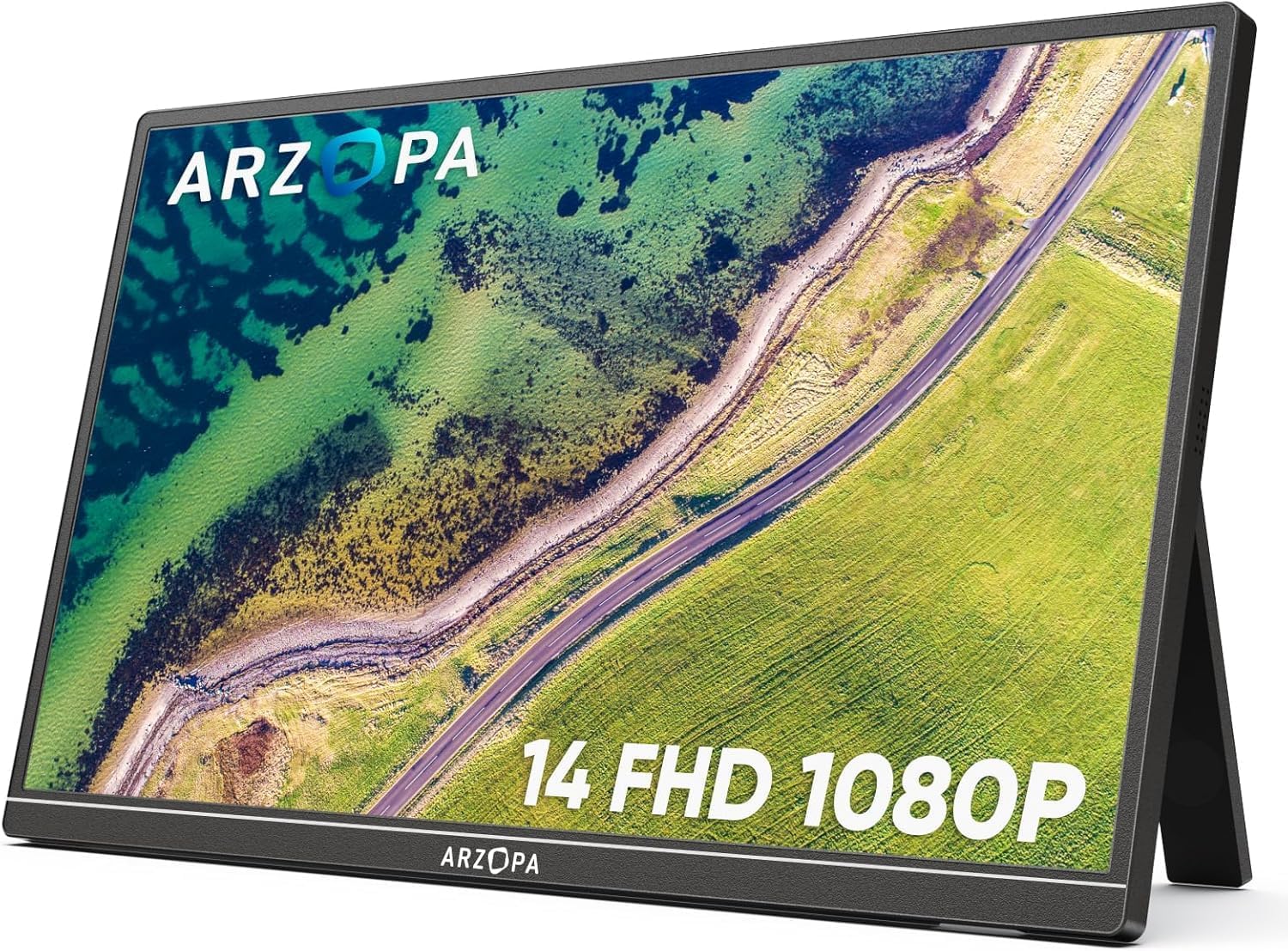
- ARZOPA 14" FHD Ultra Slim weighs 0.5 kg, the lightest in our database, and costs around ₹10,999 at the time of writing. The listing shows 250 nits of brightness, which ties with the MSI PRO MP161 for the lowest in this guide, and owners rate it 4.1 out of 5 across 670 reviews. Expect to keep it away from a bright window.
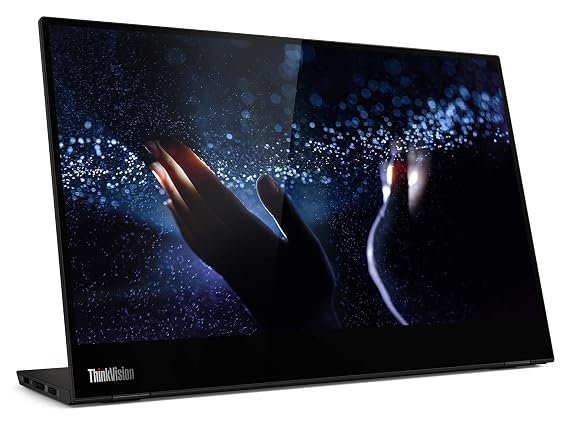
- Lenovo ThinkVision M14T 14″ FHD Touch weighs 0.6 kg and adds touch, an aluminium build and dual USB-C ports with pass-through charging. It costs around ₹31,990 and has no HDMI port, so it only works with devices that can output video over USB-C. It has 3,150 reviews at 4.1.
Pick 14 inch if you travel often, carry a slim bag, or use the monitor mostly for chat, email and reference documents. Skip it if you want to see two full documents side by side.
15.6 inch: the default for good reason
Most listings we track are 15.6 inch, and the weight range is tight: 0.6 to 0.9 kg depending on the model. It is wide enough to show a full-width browser or code editor next to your laptop screen, and the competition keeps prices low.
Within this size, price is the main difference, because specs are very similar (1080p IPS, 60Hz, around 300 nits, USB-C and mini HDMI). Two examples:
- ARZOPA 15.6" FHD USB-C, around ₹12,990, 0.74 kg, rated 4.3 across 850 reviews. Buyers like the one-cable USB-C setup.
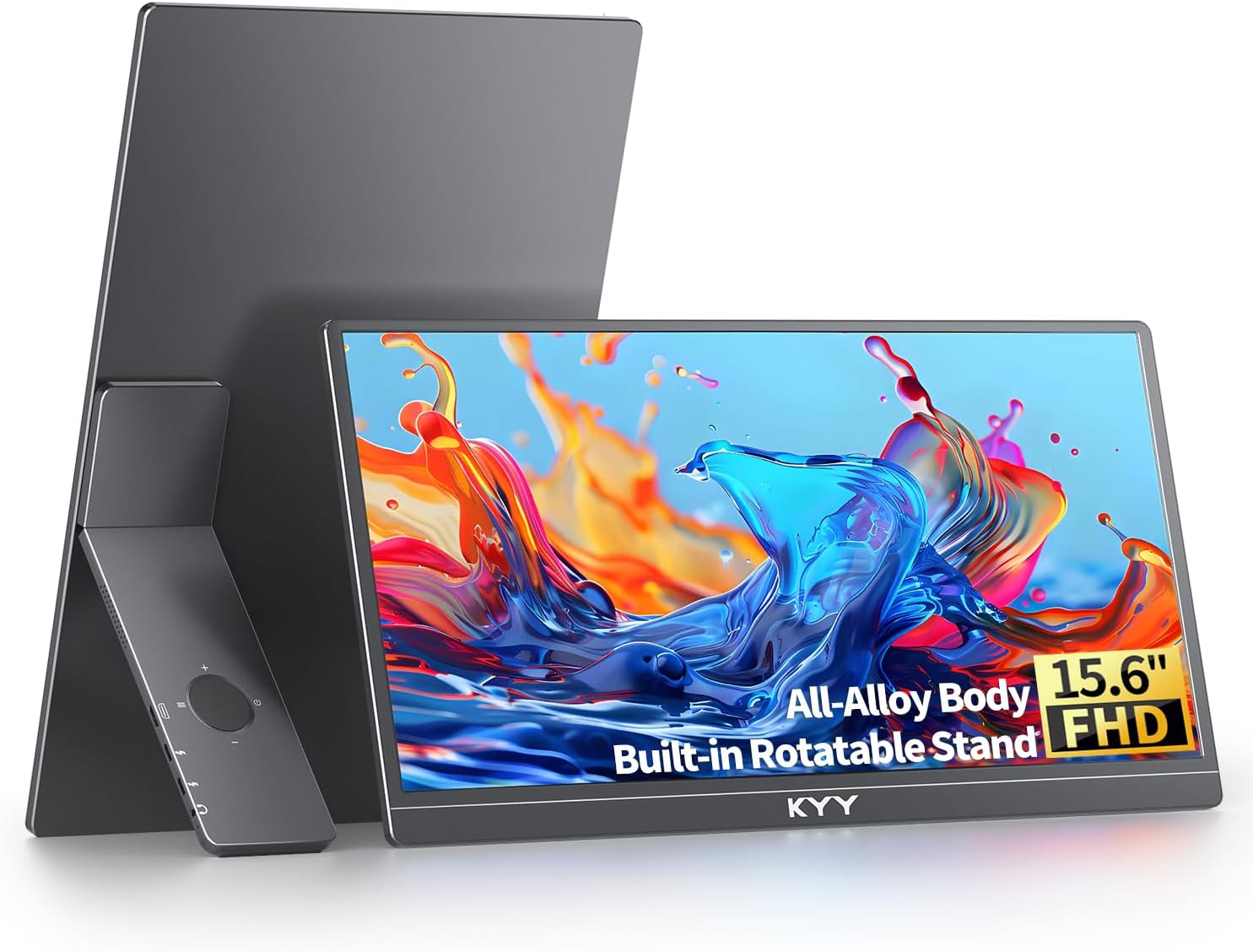
- KYY 15.6" FHD USB-C HDMI, around ₹16,227, 0.75 kg, rated 4.8 across 890 reviews. See our ARZOPA vs KYY comparison for the detail.
The cheapest 15.6 inch we list is the MSI PRO MP161 15.6" FHD at around ₹9,999 and 0.6 kg, though its brightness is 250 nits. Browse more in the budget portable monitors category.
Pick 15.6 inch if you want one monitor for work, travel and the occasional console or phone connection, and have no strong reason to choose another size.
17.3 inch: more room, bigger footprint
The 17.3 inch size is rarer. We list one: the ARZOPA 17.3" FHD 103% sRGB, around ₹16,990, with HDR support listed and a 103% sRGB colour figure. It is rated 4.3 across 980 reviews.
The surprise is the weight. The listing shows 0.73 kg, which is lighter than several 15.6 inch models. The cost is width: at about 38 cm of screen alone, it will not fit a sleeve designed for a 15.6 inch laptop, and a 15 inch laptop bag is borderline. Check your bag's internal dimensions first.
The other trade-off is sharpness. At 1080p across 17.3 inches, you get about 127 ppi, and text looks softer than on the smaller models. If you mostly watch video or work with large windows, it is fine. If you read dense text for hours, a smaller panel will look crisper.
You can compare the two directly on the ARZOPA 15.6 vs 17.3 spec table.
Pick 17.3 inch if you work at a desk most of the time, want a bigger canvas for video or timelines, and your bag can take it.
What about 22 and 24 inch portable monitors?
Two listings go well beyond the usual range, and they behave more like compact desktop monitors:
- UPERFECT 22" 2K Touch 180° is 2560x1440 with touch, VESA mounting and a 1.5 kg weight. It costs around ₹67,821.
- UPERFECT 24" 100Hz VESA is 1080p at 100Hz, weighs 1.8 kg and costs around ₹42,320.
Both have fixed-size screens too large for a laptop sleeve. Treat them as "movable" rather than "travel" monitors, for shared desks, presentations or moving between rooms. See the large-screen portable monitors category for the full list.
Does size change anything else?
Yes, a few practical things shift with screen size.
- Power draw. Bigger panels generally draw more power. Running a 17.3 inch screen off a laptop's USB-C port can drain the laptop faster or fail if the port supplies little power, so check the monitor's power requirement on the listing and keep a wall charger handy. Our guide on whether portable monitors need external power explains how to check.
- Stand stability. A kickstand or fold-over cover on a larger, lighter panel can feel tippy on a narrow desk or an aeroplane tray table. Smaller panels sit more securely in tight spaces.
- Brightness. Size does not change nits, but dimmer panels are harder to use in bright rooms. The 14 inch ARZOPA lists 250 nits while most of the 15.6 and 17.3 inch models list 300.
- Cable reach. A 17.3 inch panel placed beside a 14 inch laptop may need more desk width than you expect, since the two screens together measure over 65 cm across.
Size and weight at a glance
| Model | Size | Weight | Price (approx.) | Rating |
|---|---|---|---|---|
| ARZOPA 14" FHD Ultra Slim | 14" | 0.5 kg | ₹10,999 | 4.1 |
| Lenovo ThinkVision M14T | 14" | 0.6 kg | ₹31,990 | 4.1 |
| MSI PRO MP161 15.6" FHD | 15.6" | 0.6 kg | ₹9,999 | 4.6 |
| ARZOPA 15.6" FHD USB-C | 15.6" | 0.74 kg | ₹12,990 | 4.3 |
| KYY 15.6" FHD USB-C HDMI | 15.6" | 0.75 kg | ₹16,227 | 4.8 |
| ARZOPA 17.3" FHD 103% sRGB | 17.3" | 0.73 kg | ₹16,990 | 4.3 |
| UPERFECT 22" 2K Touch | 22" | 1.5 kg | ₹67,821 | 4.9 |
| UPERFECT 24" 100Hz VESA | 24" | 1.8 kg | ₹42,320 | 4.7 |
How to choose in three questions
- What is your laptop size? Match within one size step. A 14 inch laptop looks lopsided next to a 17.3 inch monitor, and the stand and cables end up awkward.
- What does your bag fit? A monitor's screen is only part of the width. Add the bezel and the cover or stand, then compare to your bag's internal measurements.
- How close do you sit? Close viewing favours smaller screens or higher resolution. If you want more detail on a 15.6 inch panel, the only 4K option we list is the Upperizon OLED 15.6" 4K Touch, at around ₹70,677. Our 4K portable monitor category shows what else exists.
For a wider overview of ports, panels and refresh rates, read the portable monitor buying guide. If you plan to carry it across cities, our guide to portable monitors for remote work and travel narrows the list further. Planning more than one extra screen? See the triple-screen laptop setup guide. Or go straight to the best portable monitors in India.
Our recommendation
Most buyers should start with 15.6 inch. Among the 15.6 inch options, the ARZOPA is the cheaper pick and the KYY has the higher owner rating, so the decision comes down to budget. Choose 14 inch when every gram counts, and 17.3 inch when you are mostly at a desk. We compared specs, listing details and owner reviews for this guide, so check the live listing for the latest price and accessories before you buy.