By PortableMonitor Editorial Team ·
Portable Monitor Buying Guide for India (2026)
What to check before buying a portable monitor in India: laptop ports, size, resolution, brightness, power and realistic ₹ budgets, with picks at each price.
Disclosure: as an Amazon Associate we earn from qualifying purchases made through links on this page. This guide is based on manufacturer specifications, Amazon.in listings and owner reviews. Prices change, so check the live price before you buy. How we research.
This portable monitor buying guide for India covers the six things that decide whether a second screen works for you: your laptop's ports, size and weight, resolution, brightness, power and budget. Most people overspend on features they never use and ignore the one that matters, which is whether their laptop can send video over its USB-C port.
Work through the checks below in order. Each one rules out some products, and by the end you should have a short list.
Step 1: Check what your laptop can output
Look at the ports on your laptop before you look at any monitor.
- USB-C with video output: the port usually has a DisplayPort or Thunderbolt logo. It lets you run a monitor on a single cable. Not every USB-C port supports video, especially on budget laptops, so check the spec sheet. Our guide to USB-C vs HDMI portable monitors explains the difference in detail.
- HDMI: works with older laptops, desktops, consoles and mini PCs. You will need a second cable or a USB power adapter for power.
- Neither: you can still use a USB display adapter in some cases, but it adds cost and complexity. Check compatibility first.
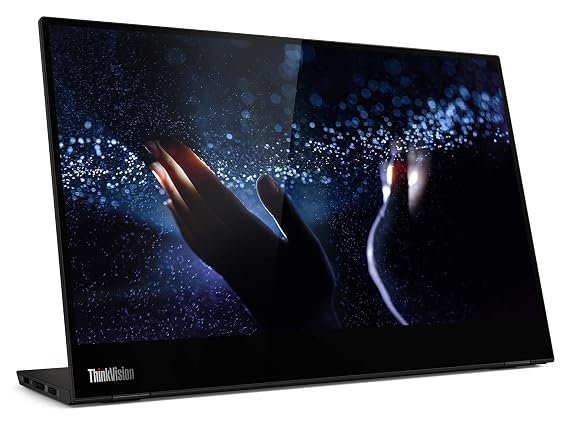
All 16 products in our database list USB-C power delivery support except the MSI PRO MP161 E2, which lists no USB-C (more on that below). Most also list mini HDMI. The exception is the Lenovo ThinkVision M14T 14″ FHD Touch, which has USB-C only and no HDMI port, so it suits USB-C laptops and some phones but not a console.
Step 2: Pick a size by how you carry it
Portable monitors in our database range from 14 inches to 24 inches. Weight rises quickly with size.
| Size class | Example | Weight | Price (approx.) |
|---|---|---|---|
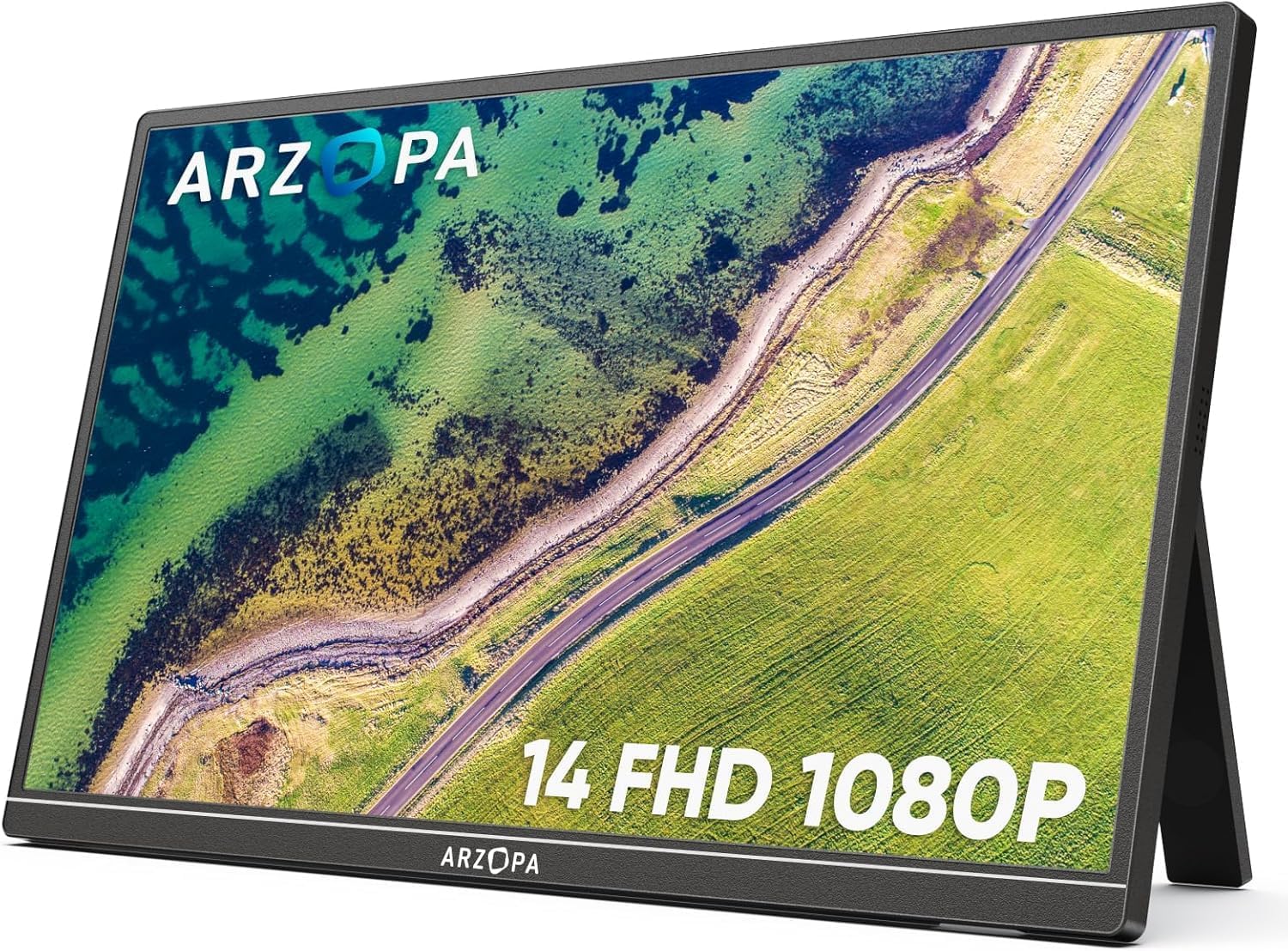
| 14 inch | ARZOPA 14" FHD Ultra Slim | 0.5 kg | ₹10,999 |
| 15.6 inch | MSI PRO MP161 15.6" FHD | 0.6 kg | ₹9,999 |
| 17.3 inch | ARZOPA 17.3" FHD 103% sRGB | 0.73 kg | ₹16,990 |
| 22 to 24 inch | UPERFECT 22" 2K Touch 180° | 1.5 kg | ₹67,821 |
Prices are around the figures at the time of writing. Amazon.in prices change, so open each product page for the live price.
For a bag you carry every day, stay with 14 or 15.6 inches. The 17.3 inch ARZOPA is surprisingly light for its size per the listing, but you need a bag that fits it. The 22 and 24 inch UPERFECT models weigh 1.5 and 1.8 kg, which makes them closer to a small desktop monitor that happens to be foldable. Our portable monitor size guide goes deeper on this choice.
Step 3: Choose the resolution you can actually use
Most portable monitors here are 1920x1080 (Full HD). On a 15.6 inch screen that works out to roughly 141 pixels per inch, which is sharp enough for documents, spreadsheets and video.
- Full HD (1080p): the default for 14 to 17.3 inch models. Good value.
- 2K (2560x1440): the UPERFECT 22" 2K Touch 180° gives you more working space on a larger panel. On a 22 inch screen it is about 134 pixels per inch, similar to Full HD on a 15.6 inch screen.
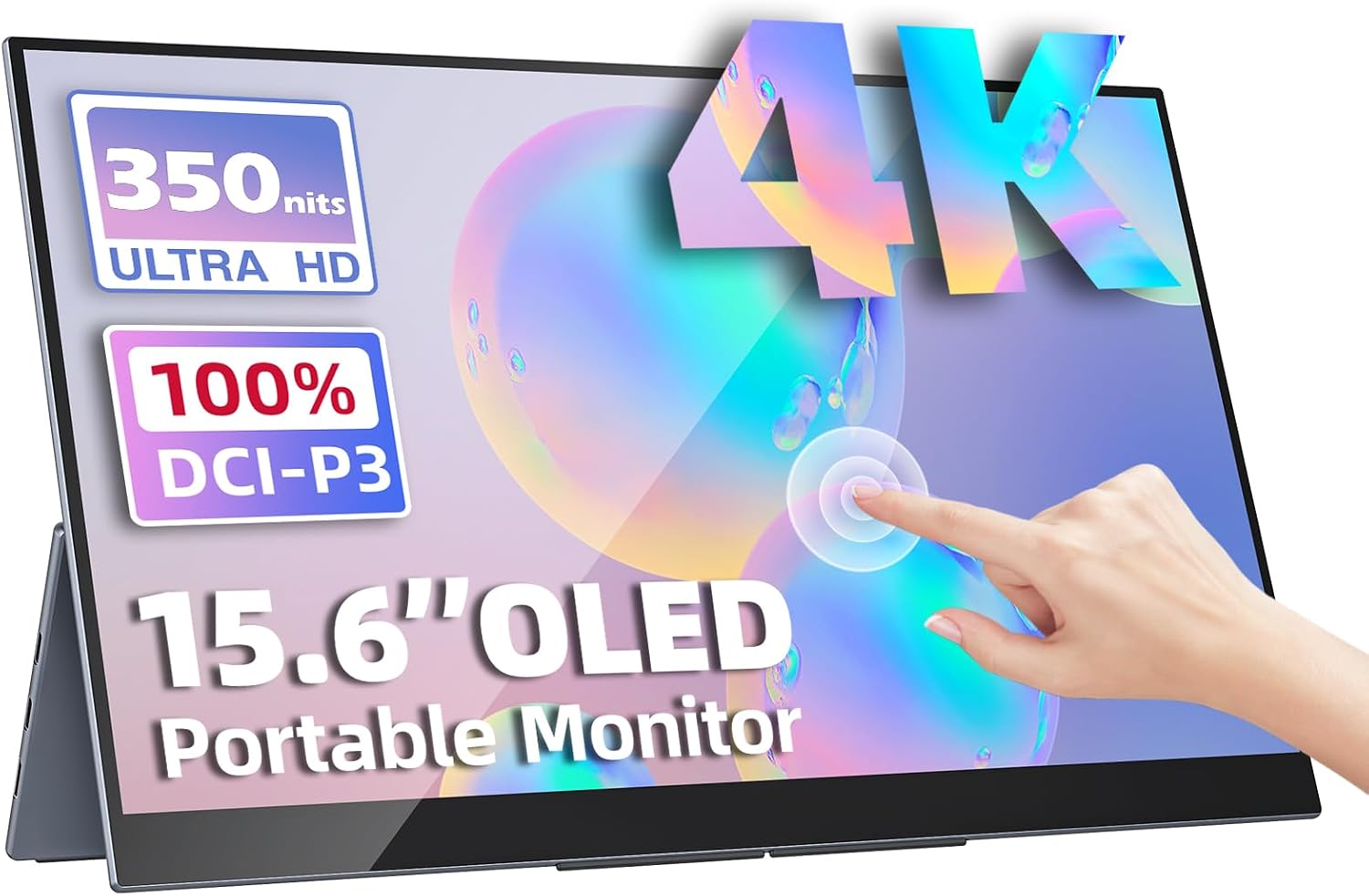
- 4K (3840x2160): only the Upperizon OLED 15.6" 4K Touch offers this, at around ₹70,677. On 15.6 inches that is about 282 pixels per inch. See our 4K portable monitor guide before paying that much.
If you work with text, 1080p on 15.6 inches is fine. Pay for 4K only when you edit photos or watch a lot of high-quality video.
Step 4: Panel type and colour
Nearly everything in our database is IPS, which gives good viewing angles and stable colour. The only OLED is the Upperizon 4K model, which lists 100% DCI-P3 and 400 nits brightness.
Some listings state colour coverage: the cocopar 15.6" FHD IPS lists 85% sRGB and the ARZOPA 17.3" lists 103% sRGB. If colour accuracy matters, those are useful numbers. Most others do not list a gamut, so check the listing or owner reviews. For a full comparison of the two panel types, read OLED vs IPS portable monitors.
Step 5: Brightness and refresh rate
Brightness ranges from 250 to 400 nits in our data.
- 250 nits: the ARZOPA 14", MSI PRO MP161 and MSI PRO MP161 E2. Fine indoors, weak near a bright window.
- 300 nits: most 15.6 inch IPS models. Acceptable indoors.
- 350 to 400 nits: the UPERFECT models and the Upperizon OLED.
Refresh rate is 60Hz on nearly everything. The exceptions are the UPERFECT 24" 100Hz VESA at around ₹42,320 (1.8 kg) and the MSI PRO MP161 E2 at 100Hz. The MSI E2's own listing cons say it is not really portable (23.8 inch) and has no USB-C, so read that listing carefully before buying. If you want a gaming-oriented option, the gaming portable monitor category shows what exists, and the ARZOPA G1 Game is 60Hz despite its name.
Step 6: Power, stands and extras
None of the monitors in our database lists a built-in battery. That means every one draws power from your laptop or a wall adapter.
- If your laptop's USB-C port supplies enough power, a single cable is enough. Your laptop battery will drain faster.
- If you plan to use the monitor for hours away from a plug, bring a power bank that supports USB-C output, or plan to charge the laptop and monitor together.
- Our post on whether portable monitors need external power explains the options.
Extras worth checking:
- Stand: the cocopar and CAPERAVE list a smart cover stand. UPERFECT models list a 180° adjustable kickstand.
- VESA mount: the Upperizon 15.6" FHD HDR IPS, both UPERFECT models and the MSI E2 list VESA support. Useful if you want an arm at a desk.
- Speakers: all but the Lenovo list built-in speakers. They are fine for calls, not for music.
- Touch: only three models offer it, covered in our touchscreen portable monitor guide.
Budget tiers in ₹
| Budget | Pick | Why |
|---|---|---|
| Under ₹10,000 | MSI PRO MP161 15.6" FHD (about ₹9,999, 4.6 rating, 340 reviews) | Cheapest, 0.6 kg, USB-C and mini HDMI. Cons: 250 nits, 60Hz |
| ₹10,000 to ₹13,000 | ARZOPA 15.6" FHD USB-C (about ₹12,990) | One-cable USB-C, good build per the listing |
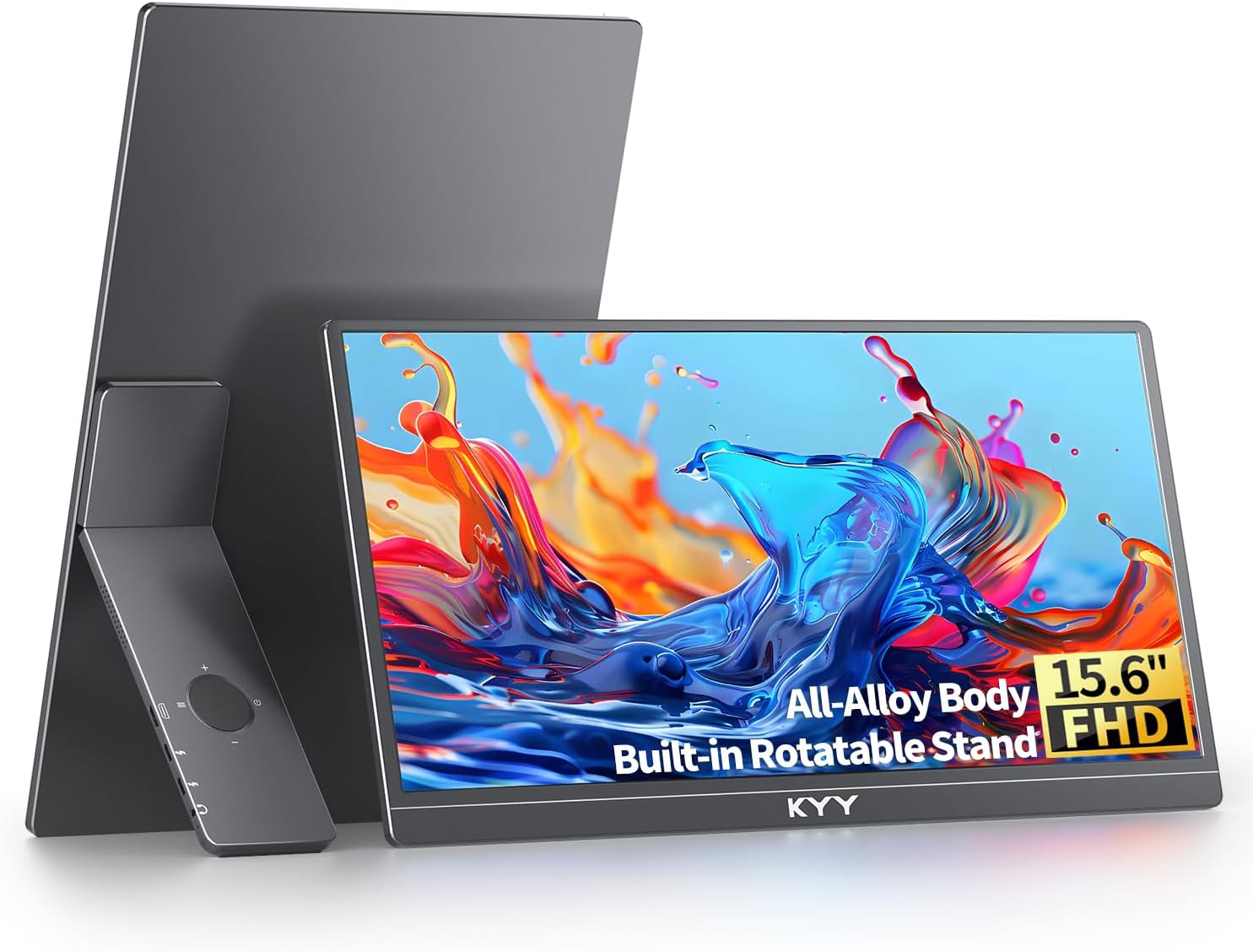
| ₹15,000 to ₹17,000 | KYY 15.6" FHD USB-C HDMI (about ₹16,227, 4.8 rating, 890 reviews) | Strong ratings volume, works with phones and consoles |
| ₹30,000 and above | Lenovo ThinkVision M14T (about ₹31,990, 3,150 reviews) | Touch, aluminium build, dual USB-C, 0.6 kg. No HDMI |
| ₹65,000 and above | Upperizon OLED 4K Touch | 4K OLED with touch, very expensive |
If you want more detail below ₹20,000, see our portable monitors under ₹20,000 category and the budget portable monitor list.
How to read an Amazon.in listing
Listings for portable monitors are often crowded with claims. A few habits keep you out of trouble.
- Find the port list in the images or the specs table, not just the title. "USB-C" in a title can mean the port carries power only. Look for the words DisplayPort Alt Mode, full-function USB-C or video input.
- Check what is in the box. Cable length, a USB-C to USB-C cable, a mini HDMI to HDMI cable, a power adapter and a cover or stand vary between sellers. A missing cable adds cost.
- Read the lower-star reviews first. They tell you what actually fails: black screens on certain laptops, flickering with long cables, or stands that wobble.
- Look at the date of recent reviews. Sellers sometimes change hardware between batches.
- Check the return window. If the monitor does not work with your laptop, an easy return matters more than a ₹500 saving.
If you want a laptop-specific walkthrough once you have a monitor, read how to connect a portable monitor to a laptop.
Common mistakes
- Buying before checking the laptop port. A USB-C port without video output makes a USB-C-only monitor useless.
- Paying for 4K on a 15.6 inch screen when your laptop struggles to drive it.
- Ignoring the rating count. A 4.9 rating from a few dozen reviews says less than 4.8 from 890. The KYY has the larger sample among the 15.6 inch models.
- Assuming "gaming" in the name means high refresh. The ARZOPA G1 Game is 60Hz.
- Skipping the cons. Every product here has trade-offs, and the product pages list them.
Who actually benefits from a portable monitor
A second screen pays off most for people who work on a laptop for hours and lose time switching windows: developers, analysts, writers, students and anyone on frequent video calls who wants notes on a second display. It also helps remote workers in rented rooms and co-working spaces, where a full-size monitor is not an option.
It pays off less if you rarely work at a desk, only need a screen for the occasional movie, or already own a tablet that does the job. Our comparison of a portable monitor vs a tablet helps with that choice, and the coding portable monitor category lists models that suit developers.
Which one should you buy?
- Lowest price: MSI PRO MP161 15.6" FHD.
- Lightest: ARZOPA 14" FHD Ultra Slim at 0.5 kg, with 250 nits as the trade-off.
- Safest all-rounder: KYY 15.6" FHD USB-C HDMI.
- Touch and thin: Lenovo ThinkVision M14T, if your device has USB-C.
- Money no object: Upperizon OLED 15.6" 4K Touch.
Browse every option on our best portable monitors in India page, or read are portable monitors worth it if you are still deciding whether you need one.