By PortableMonitor Editorial Team ·
Best Portable Monitors for Remote Work and Travel in India (2026)
The lightest and most travel-friendly portable monitors on Amazon.in, compared by weight, ports and price, with honest trade-offs for each.
Disclosure: as an Amazon Associate we earn from qualifying purchases made through links on this page. This guide is based on manufacturer specifications, Amazon.in listings and owner reviews. Prices change, so check the live price before you buy. How we research.
The best portable monitor for travel and remote work is a light 14 to 15.6 inch IPS screen with USB-C, because it fits in a laptop bag and runs from one cable. In our data, the ARZOPA 14" FHD Ultra Slim is the lightest at 0.5kg, and the Lenovo ThinkVision M14T 14″ FHD Touch is the most polished at 0.6kg.
Quick answer: ARZOPA 14" FHD Ultra Slim for lightest and cheapest (around ₹10,999), Omiodo 15.6" for best rating at 15.6 inches (around ₹11,350), Lenovo ThinkVision M14T for premium build, and ARZOPA 17.3" if you want screen space in a hotel room. We compared specs, listing details and owner ratings; we have not tested these units ourselves.
Prices below are what we saw on Amazon.in at the time of writing. They change often, so use each product page for the live price.
What matters when you travel with a monitor
For a monitor that lives in a bag, five specs matter more than the rest:
- Weight. Every 100g adds up when you already carry a laptop and charger.
- Thickness and stand. A kickstand or fold-out cover means no separate stand to pack.
- Ports. USB-C with power delivery for one-cable use, plus HDMI for the cases where USB-C fails.
- Power source. None of the monitors in our data lists a battery, so you need a laptop that can power it, or a power bank.
- Brightness. 250 nits is fine on a desk and weak by a window or on a train.
Things that matter less for travel: refresh rate (every monitor in this guide is 60Hz), speakers (all but the Lenovo list built-in ones, but they are basic), and colour gamut.
Travel monitors compared
| Monitor | Price (approx.) | Size | Weight | Brightness | Ports | Rating (reviews) |
|---|---|---|---|---|---|---|
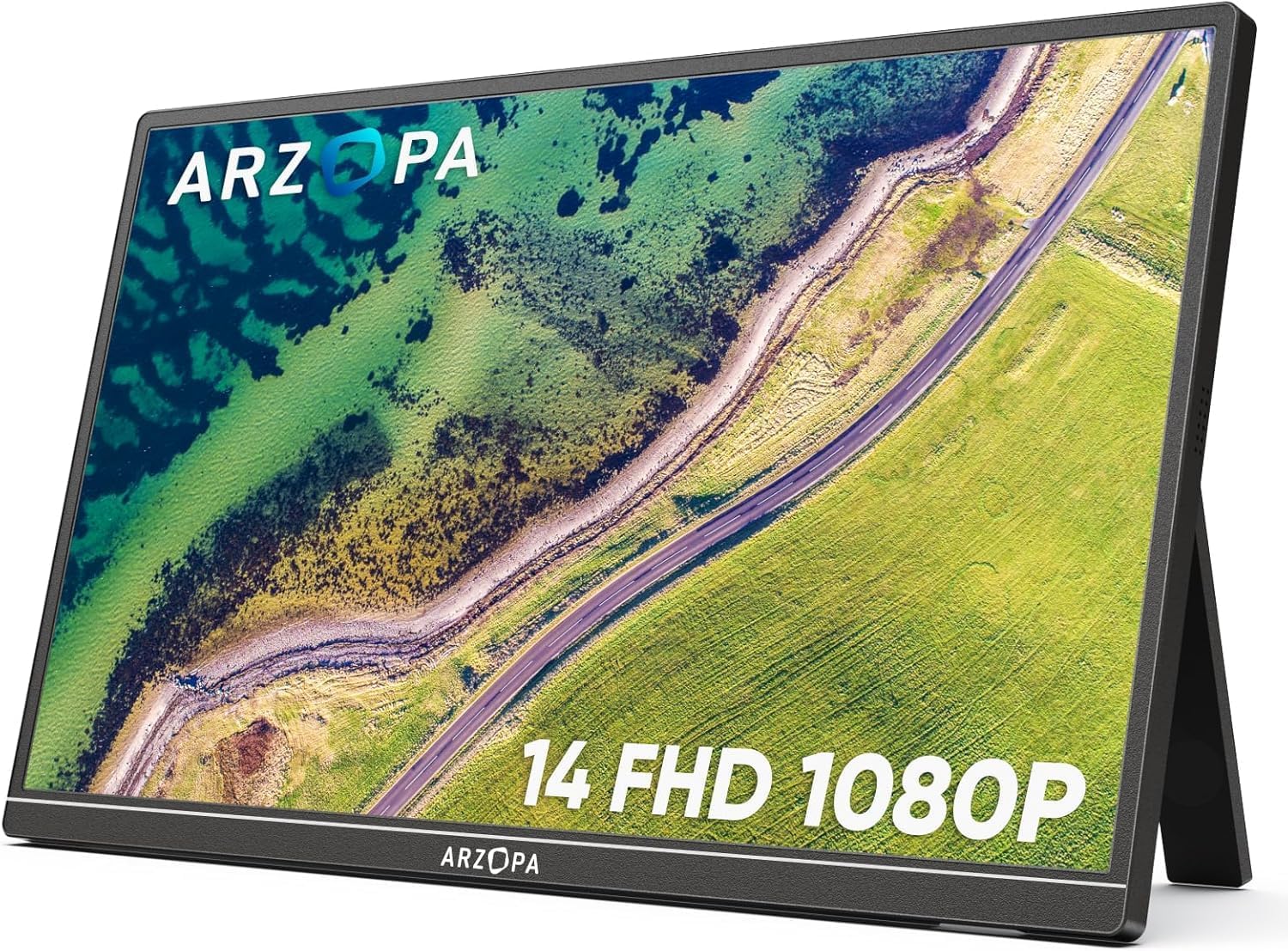
| ARZOPA 14" FHD Ultra Slim | ₹10,999 | 14" | 0.5kg | 250 nits | USB-C, mini HDMI | 4.1 (670) |
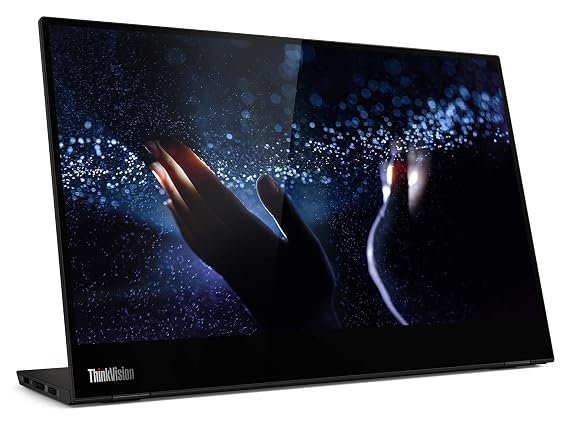
| Lenovo ThinkVision M14T 14" FHD Touch | ₹31,990 | 14" | 0.6kg | 300 nits | 2x USB-C | 4.1 (3,150) |
| Omiodo 15.6" FHD IPS Ultra-Slim | ₹11,350 | 15.6" | 0.7kg | 300 nits | USB-C, mini HDMI | 4.9 (320) |
| ARZOPA 17.3" FHD 103% sRGB | ₹16,990 | 17.3" | 0.73kg | 300 nits | USB-C, mini HDMI | 4.3 (980) |
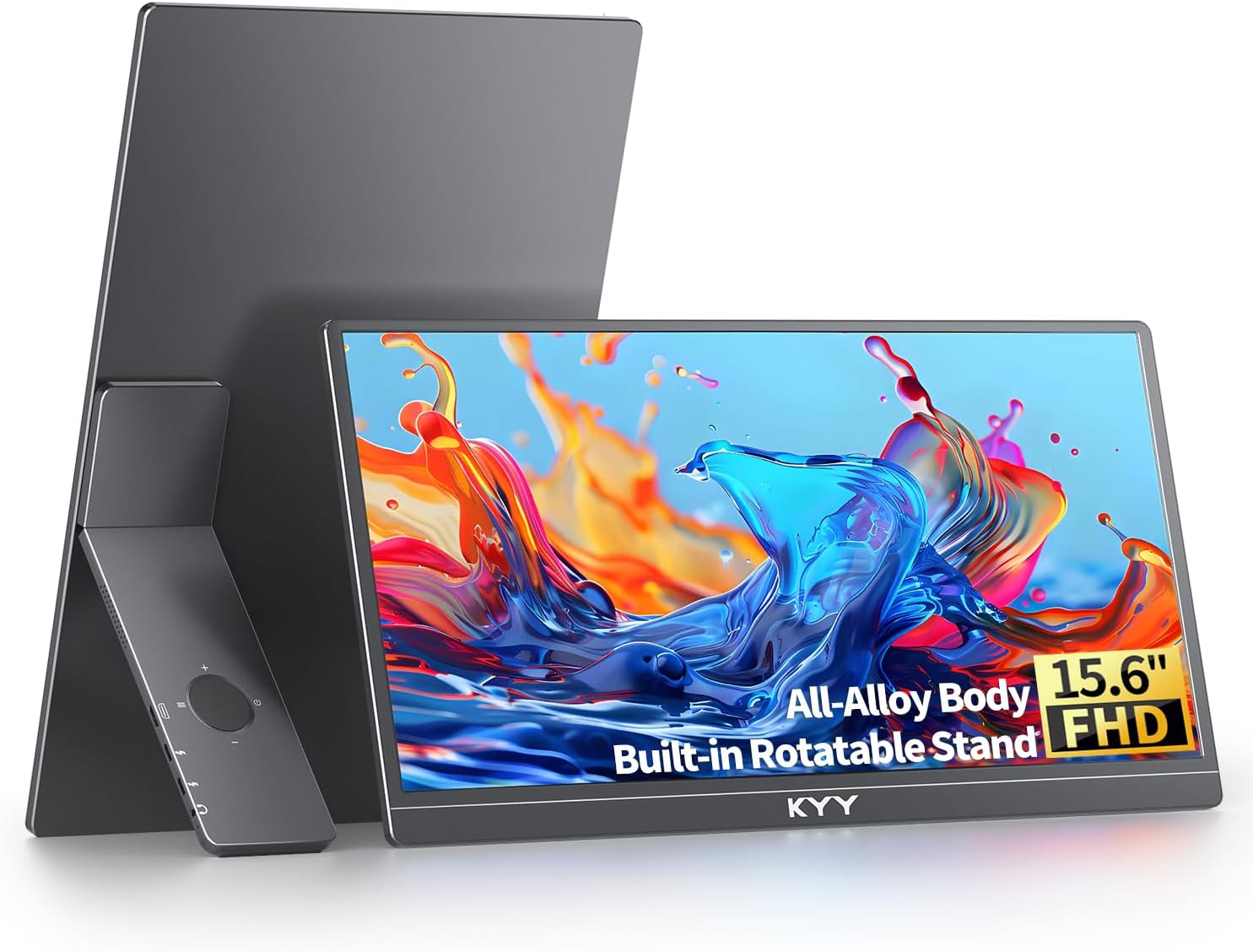
| KYY 15.6" FHD USB-C HDMI | ₹16,227 | 15.6" | 0.75kg | 300 nits | USB-C, HDMI | 4.8 (890) |
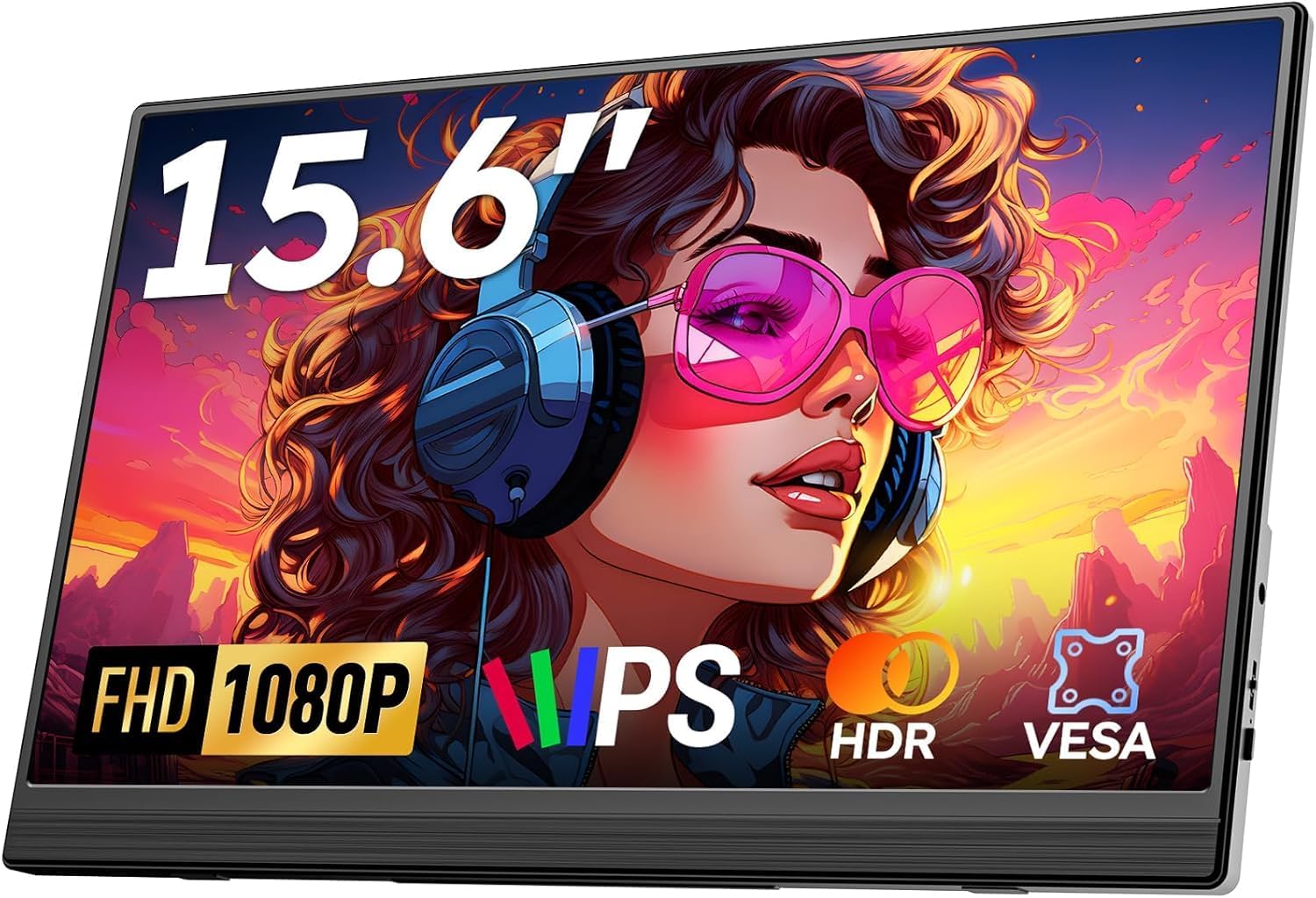
| Upperizon 15.6" FHD HDR IPS | ₹22,184 | 15.6" | 0.8kg | 300 nits | USB-C, mini HDMI | 4.8 (520) |
ARZOPA 14" FHD Ultra Slim: lightest and cheapest
At 0.5kg and around ₹10,999, the ARZOPA 14" FHD Ultra Slim is the easiest monitor to justify adding to a bag. The listing mentions a built-in kickstand, dual speakers, USB-C and mini HDMI.
Good at: weight, price, compact size. Bad at: 250 nits brightness and a 6ms response time. The rating is 4.1 from 670 reviews, the lowest among the 14 to 15.6 inch models here.
Pick it for frequent trips where weight is the top priority and you mostly work indoors.
Lenovo ThinkVision M14T: best build, MacBook-friendly
The Lenovo ThinkVision M14T 14″ FHD Touch is 0.6kg with a premium aluminium build, dual USB-C ports and power pass-through, so you can plug a charger into the monitor and power the laptop through it. It has touch, and 3,150 reviews with a 4.1 rating, the largest review base in this guide.
Good at: build quality, passing power through to the laptop, touch input. Bad at: price (around ₹31,990), no HDMI port at all, and no speakers listed. A device without a video-capable USB-C port will not work with it.
Pick it if you travel with a USB-C laptop and want a monitor that looks and feels like business gear. For Apple laptops specifically, see our best portable monitors for MacBook guide.
Omiodo 15.6" FHD IPS Ultra-Slim: best value at 15.6 inches
The Omiodo 15.6" FHD IPS Ultra-Slim is around ₹11,350 with the highest rating among the budget picks, 4.9 from 320 reviews, and weighs 0.7kg. It lists 300 nits, USB-C, mini HDMI and a stand.
Good at: price, weight and rating together. Bad at: no VESA mount, 60Hz only, and fewer reviews than the ARZOPA and KYY models.
Pick it if you want the best balance of size, price and weight. For a side-by-side with the budget alternatives, see our best portable monitors under ₹15,000.
KYY 15.6" FHD USB-C HDMI: reliable, works with phones and consoles
The KYY 15.6" FHD USB-C HDMI is around ₹16,227, rated 4.8 from 890 reviews, at 0.75kg. Its listing says it works with laptops, MacBooks, phones and gaming consoles, which helps if the same screen has to cover a work laptop and an evening console.
Good at: wide device compatibility and a large number of high ratings. Bad at: 60Hz only, no VESA mount, and a price above the Omiodo for similar specs.
ARZOPA 17.3" FHD 103% sRGB: more screen for hotel rooms
The ARZOPA 17.3" FHD 103% sRGB is around ₹16,990, listed at 0.73kg with HDR support and 103% sRGB. It is 4.3 from 980 reviews. A larger screen gives you room for two windows side by side, which matters for long remote-work days.
Good at: screen size for the weight, colour coverage, HDR on the listing. Bad at: it is 60Hz, and the 17.3-inch width may not fit a standard laptop sleeve, so check your bag. See our size guide for 14, 15.6 and 17 inch monitors for more on that choice.
Upperizon 15.6" FHD HDR IPS: for VESA mounting and HDR
The Upperizon 15.6" FHD HDR IPS is around ₹22,184, rated 4.8 from 520 reviews, at 0.8kg. It is the only 15.6-inch travel option here with VESA mounting, and it lists HDR support.
Good at: VESA mount for desk arms, HDR, built-in speakers. Bad at: it costs about twice what the Omiodo does for the same resolution and refresh rate. 60Hz only.
Pick it if the monitor will split time between travel and a mounted home desk.
Setting up a second screen away from home
A few habits make a portable monitor easier to live with on the road.
- Put it on the side you look at most. A second screen directly beside the laptop works best for chat, email or reference documents, while the laptop holds the main task.
- Mind the surface. Kickstands and cover stands need a flat table. On a lap or a bed they tip over, so a lap desk helps.
- Dim it in poor light. At 250 to 300 nits, you rarely need full brightness indoors, and a lower setting saves power from your laptop or power bank.
- Keep video calls tidy. The webcam sits on the laptop, so put the call window on the laptop screen and your notes on the monitor. Otherwise you spend the call looking sideways.
- Carry a spare cable. A cable that fails in a hotel is hard to replace on short notice, and a monitor with no signal is just extra weight.
What to pack with a travel monitor
- A video-capable USB-C cable. A charging-only cable gives a black screen. Our no signal fixes guide covers this.
- A power bank or wall charger. Running the screen from the laptop drains its battery faster. See do portable monitors need external power.
- An HDMI cable (mini HDMI to HDMI or similar). Useful for hotel TVs, consoles and any laptop with a data-only USB-C port.
- A slim sleeve. Check what is in the box; the Upperizon OLED lists a case, but most listings do not mention one.
What about larger monitors?
The UPERFECT 22" and 24" monitors weigh 1.5kg and 1.8kg. They suit a permanent remote-work desk where you move once a year, not a bag. If that is your situation, our large screen portable monitors category has them. For developers who want more detail on screen size and resolution for coding, see our best portable monitors for developers guide.
Which one to buy
- Lightest and cheapest: ARZOPA 14" FHD Ultra Slim.
- Best rated at 15.6 inches for the price: Omiodo 15.6" FHD IPS Ultra-Slim.
- Premium and USB-C only: Lenovo ThinkVision M14T.
- More screen space: ARZOPA 17.3" FHD 103% sRGB.
- One monitor for work laptop and console: KYY 15.6" FHD USB-C HDMI.
To browse the full lineup, open the travel portable monitors category.