By PortableMonitor Editorial Team ·
Best Portable Monitors in India (2026): Picks for Every Budget
Our 2026 shortlist of the best portable monitors in India, sorted by budget and use, with honest downsides and links to every detailed guide on the site.
Disclosure: as an Amazon Associate we earn from qualifying purchases made through links on this page. This guide is based on manufacturer specifications, Amazon.in listings and owner reviews. Prices change, so check the live price before you buy. How we research.
The best portable monitors in India right now start at around ₹9,999 for a basic 15.6 inch screen and go past ₹70,000 for 4K OLED. Most people only need the cheaper end of that range. This page is the hub for the whole site: it gives one pick per need, then links to the detailed guide for each topic.
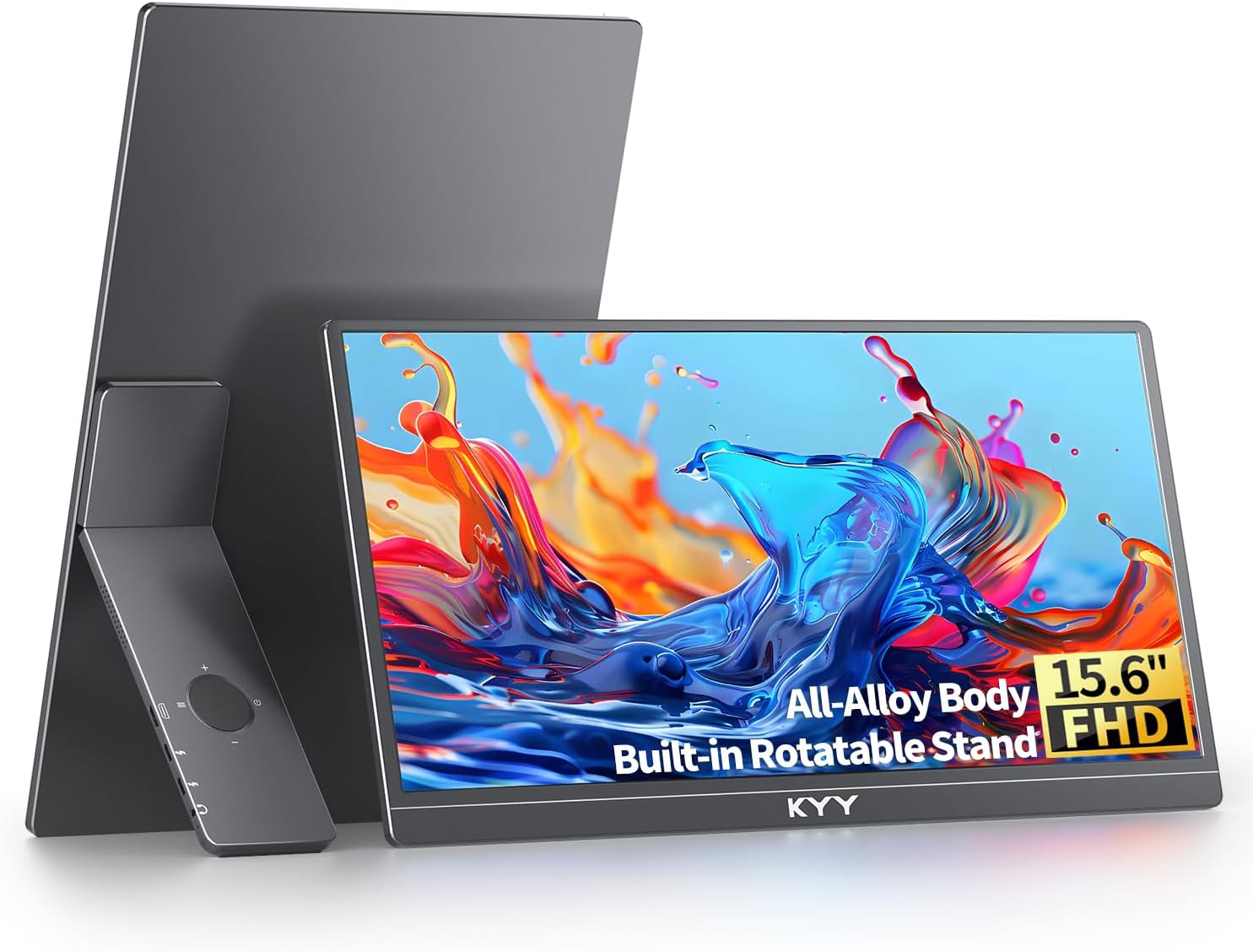
Quick answer: the Omiodo 15.6" FHD IPS Ultra-Slim is our best pick for most buyers (around ₹11,350, 4.9 rating, 0.7kg). If you want more buyer feedback behind your purchase, take the KYY 15.6" FHD USB-C HDMI (around ₹16,227, 4.8 rating from 890 reviews).
Prices below are around the figures at the time of writing. Amazon.in prices change, so use the product page link to see the live price.
How we picked
We did not run lab tests. We compared manufacturer specs, listing details and owner ratings for all 16 monitors in our database, then picked the best fit for each need. A pick is only called best where the data supports it: cheapest, lightest, highest rated, only touchscreen OLED, and so on. We also list what each one is bad at, using the downsides buyers and listings point to.
One fact shapes every decision: 14 of the 16 monitors are 60Hz. That is fine for documents, code, spreadsheets and video. It is a limit for fast games.
Best portable monitors in India by need
| Need | Pick | Price (approx.) | Rating | Weight |
|---|---|---|---|---|
| Best overall value | Omiodo 15.6" FHD IPS Ultra-Slim | ₹11,350 | 4.9 (320) | 0.7kg |
| Most reviewed mid-range | KYY 15.6" FHD USB-C HDMI | ₹16,227 | 4.8 (890) | 0.75kg |
| Cheapest | MSI PRO MP161 15.6" FHD | ₹9,999 | 4.6 (340) | 0.6kg |
| Lightest | ARZOPA 14" FHD Ultra Slim | ₹10,999 | 4.1 (670) | 0.5kg |
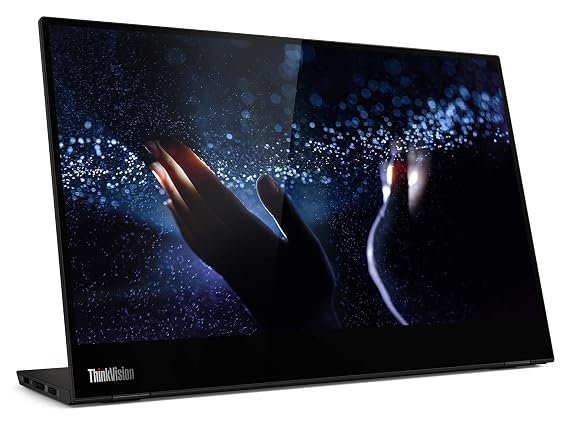
| Premium USB-C and touch | Lenovo ThinkVision M14T 14" FHD Touch | ₹31,990 | 4.1 (3,150) | 0.6kg |
| Largest with 100Hz | UPERFECT 24" 100Hz VESA | ₹42,320 | 4.7 (210) | 1.8kg |
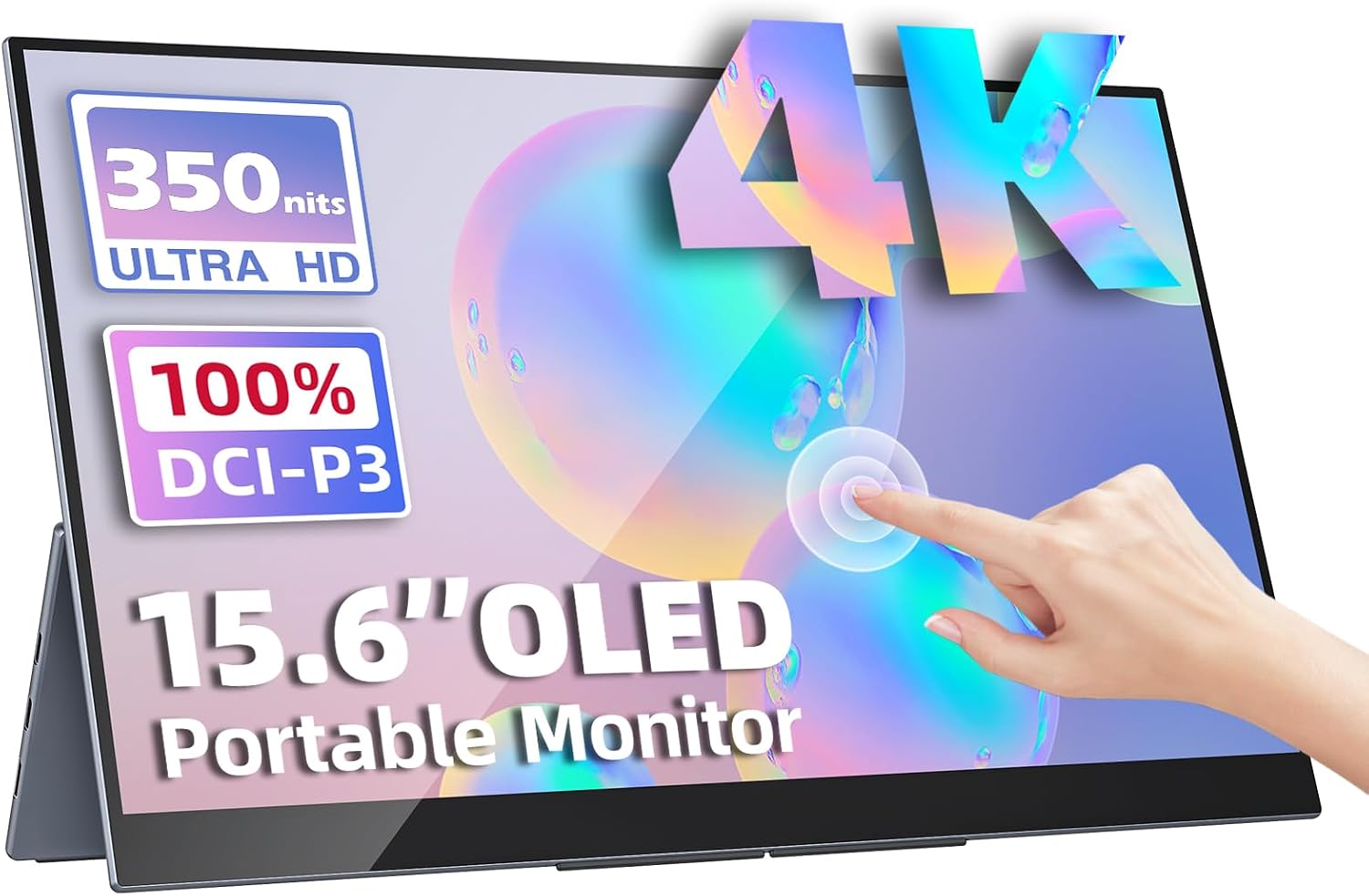
| 4K OLED touch | Upperizon OLED 15.6" 4K Touch | ₹70,677 | 4.8 (180) | 0.9kg |
Best value: Omiodo 15.6" FHD IPS Ultra-Slim
It sits at around ₹11,350 and carries a 4.9 rating, the joint-highest score in our list. It has USB-C and mini HDMI, built-in speakers and a stand in the box. The listing shows 300 nits, 60Hz and no VESA mount. If you just want a second screen for a laptop, start here.
Best with the most feedback: KYY 15.6" FHD USB-C HDMI
890 ratings at 4.8 is the strongest track record among the mainstream 15.6 inch models. It weighs 0.75kg and the listing says it works with phones and consoles too. The downsides are 60Hz and no VESA mount. See how it stacks up against a cheaper rival in our ARZOPA vs KYY comparison.
Cheapest: MSI PRO MP161 15.6" FHD
At around ₹9,999 it is the only monitor here under ₹10,000. You get the MSI name, 0.6kg weight and USB-C with mini HDMI. The trade-off is brightness: 250 nits is below the 300 nits most 15.6 inch rivals list, so it is a weaker choice for bright rooms. Our under ₹15,000 guide covers this price band fully.
Lightest: ARZOPA 14" FHD Ultra Slim
At 0.5kg this is the lightest monitor we list, and it costs around ₹10,999. The cost of that weight is a dimmer 250 nit panel and a 4.1 rating. It suits people who carry a laptop daily and want the lightest add-on.
Best premium USB-C option: Lenovo ThinkVision M14T
It has an aluminium build, two USB-C ports with power pass-through, touch support, and 3,150 ratings, the most of any monitor here. It has no HDMI port and no speakers, so it is a USB-C-only device. It is aimed at people who plug into a modern laptop and want a polished build. At around ₹31,990 it is far above the basic 15.6 inch models.
Largest: UPERFECT 24" 100Hz VESA
This is the only large screen in the database with a listed 100Hz rate that is built as a portable-style display, plus VESA mounting and a 180° stand. It weighs 1.8kg, so it is portable between desks rather than in a backpack. Expect to pay around ₹42,320. For a smaller screen with touch, the UPERFECT 22" 2K Touch is around ₹67,821 and has a 4.9 rating, though from only 95 reviews.
Best display quality: Upperizon OLED 15.6" 4K Touch
It is the only OLED and the only 4K model we list, with 100% DCI-P3 and multi-touch, and it ships with a case and stand. It is also the most expensive, at around ₹70,677, and it is 60Hz. Read the OLED vs IPS guide before paying this much.
Pick by budget
- Under ₹10,000: one option, the MSI PRO MP161. Browse the under ₹10,000 category.
- ₹10,000 to ₹15,000: the Omiodo, ARZOPA 14", ARZOPA G1 and ARZOPA 15.6" FHD USB-C. See the under ₹15,000 guide.
- ₹15,000 to ₹20,000: cocopar, KYY and the ARZOPA 17.3". See the under ₹20,000 guide and the under ₹20,000 category.
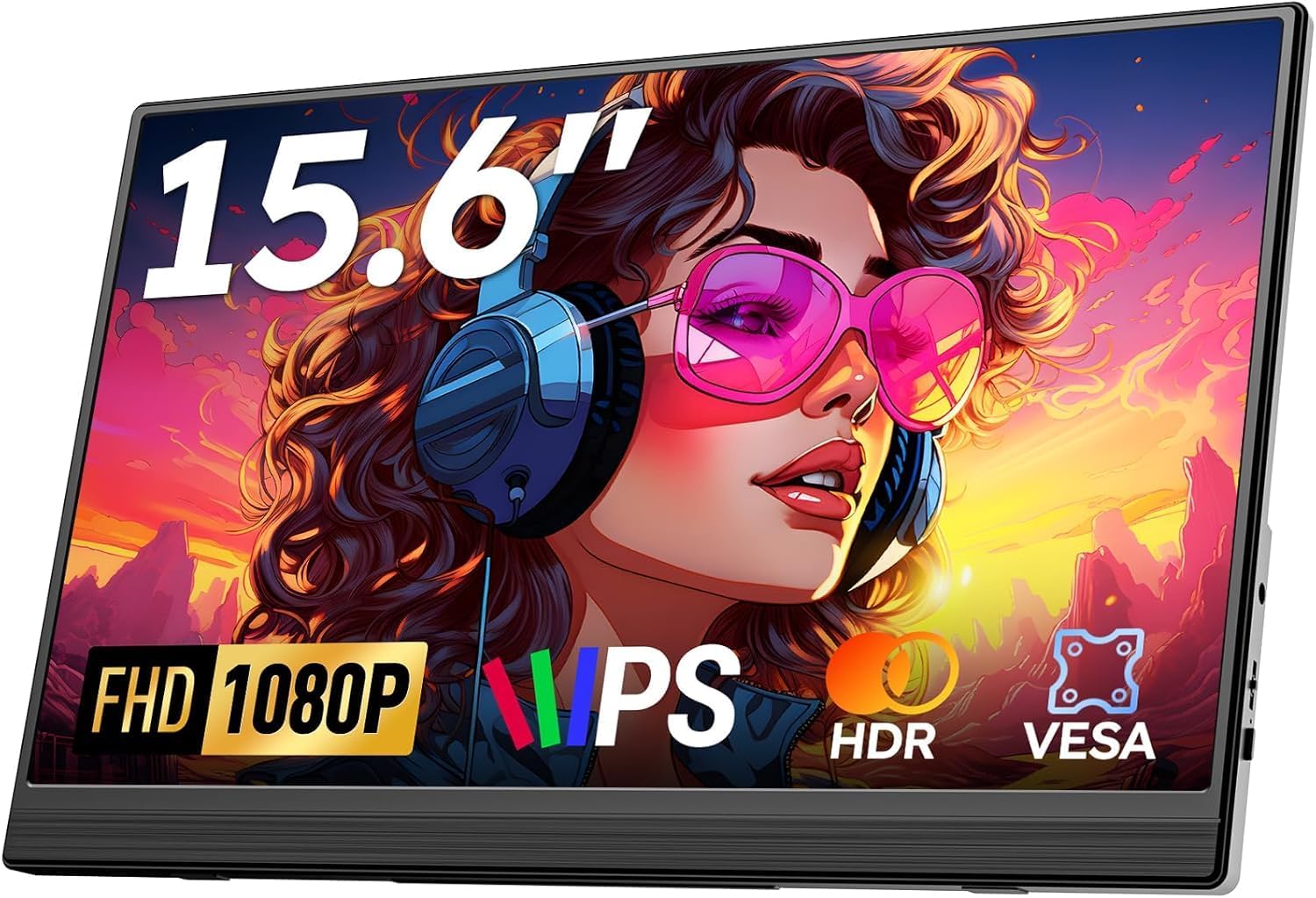
- Above ₹20,000: you are paying for HDR, touch, size or premium build. The Upperizon 15.6" FHD HDR IPS at around ₹22,184 is the cheapest with HDR.
In the data, the spec sheets between ₹11,000 and ₹17,000 look very similar (1080p IPS, 60Hz, USB-C and HDMI). Above ₹22,000, you start paying for features such as HDR, touch, size or OLED.
Every guide on this site
Use these to go deeper on one question.
Start here
- Are portable monitors worth it? tells you whether you need one at all.
- Portable monitor buying guide explains every spec in plain language.
- Portable monitor size guide: 14 vs 15.6 vs 17 inch helps you choose a size.
Pick by use
- Best portable monitors for developers
- Best portable monitor for MacBook
- Best portable monitors for PS5, Switch and Steam Deck
- Best portable monitors for remote work and travel
- Best portable monitor for Raspberry Pi and mini PC
- Best portable monitor for stock traders
- Best portable monitor for students
- Best portable monitor for photo and video editing
- Best large portable monitors (17 to 24 inch)
Pick by feature
- Best 4K portable monitors
- Best touchscreen portable monitors
- OLED vs IPS portable monitors
- USB-C vs HDMI portable monitors
- Do portable monitors need external power?
Pick by price
Setup and troubleshooting
- How to connect a portable monitor to a laptop
- How to use a portable monitor with a phone
- Portable monitor not detected or no signal: fixes
- Triple screen laptop setup with portable monitors
- Portable monitor vs tablet as a second screen
Head-to-head comparisons
- Upperizon OLED 4K vs UPERFECT 22" 2K Touch for the two premium touch screens.
- ARZOPA 15.6" USB-C vs KYY 15.6" for the two most common mid-budget picks.
- MSI PRO MP161 vs MP161 E2, which explains why two similar names are very different products.
Browse by category
If you would rather filter than read, these category pages list every matching monitor:
- Budget portable monitors
- USB-C portable monitors
- Travel portable monitors
- Portable monitors for coding
- Gaming portable monitors
- OLED portable monitors
- 4K portable monitors
- Touchscreen portable monitors
- Large-screen portable monitors
Who should skip a portable monitor
A portable monitor is not for everyone. If you work at one desk all day, a normal desktop monitor gives more screen for the money and is easier on your neck. If you only need a screen for occasional presentations, a TV or projector may do. The cases where a portable one wins are travel, shared desks, small flats, and anyone who works from a laptop in more than one place. Our are portable monitors worth it guide goes through the cost and benefit honestly.
Also be realistic about the weaker parts of this category. Built-in speakers on these screens are basic. Stands vary: some come with a smart cover, and the ARZOPA G1 listing itself lists a basic stand as a downside. And as noted, 60Hz is the norm.
What to check before you buy
- Your laptop's USB-C port. It must support video output (DisplayPort Alt Mode). If it does not, you need the HDMI route.
- The cable in the box. Check whether you get a full-featured USB-C cable and a mini HDMI cable, and whether you need a separate power adapter.
- Brightness. Screens at 250 nits suit indoor use. 300 to 400 nits is easier near windows.
- Weight. Anything above 1kg is a desk monitor you occasionally carry.
- Refresh rate. If you play fast games, 60Hz will be the limit on most models here.
A portable monitor is a simple device. Pick the size and ports you need, keep to a sensible budget, and ignore features you will not use.