By PortableMonitor Editorial Team ·
Portable Monitor vs Tablet as a Second Screen: Which Is Better?
A tablet can work as a second screen, but a portable monitor is built for the job. Here is how they compare on lag, cost, ports, battery and everyday use.
Disclosure: as an Amazon Associate we earn from qualifying purchases made through links on this page. This guide is based on manufacturer specifications, Amazon.in listings and owner reviews. Prices change, so check the live price before you buy. How we research.
A portable monitor is the better second screen for most people who work on a laptop every day, and a tablet is the better choice if you already own one and only need extra space now and then. The difference comes down to how the picture reaches the screen. A monitor receives it over a cable. A tablet usually receives it through software.
This comparison covers cost, lag, ports, battery, portability and compatibility, using manufacturer specs and listing details. It does not cover one specific tablet model, since tablets vary widely.
Quick comparison table
| Factor | Portable monitor | Tablet as second screen |
|---|---|---|
| Connection | USB-C or HDMI cable | Software over USB or Wi-Fi |
| Lag | None noticeable from the cable | Possible, depends on app and network |
| Setup | Plug in, pick extend or mirror | Install app or enable a feature on both devices |
| Takes console or Pi input | Yes, via HDMI | Generally no |
| Battery | No built-in battery, uses cable power | Own battery, plus drains the host if wired |
| Touch | Only on touch models | Always |
| Use alone | No, needs a source | Yes, it is a full device |
| Cost if you buy new | From around ₹9,999 in our list | Varies widely, and you pay for a full computer |
Lag and picture quality
This is the biggest practical gap. A portable monitor is a plain display. The laptop sends video, and the monitor shows it. There is no compression step, so text stays sharp and the cursor follows your mouse.
A tablet works as a second screen by receiving a streamed image. Apple's Sidecar can work wired or wireless between supported Macs and iPads. Third-party apps such as Duet Display and spacedesk send the screen over USB or a network, and some Samsung tablets include a second screen feature for certain pairings. Quality varies with your hardware and network. For typing, coding or dragging windows, wired monitors are the safer bet. For reading a document or chat window, a tablet may be good enough.
Cost
If you already own a tablet, it costs you nothing extra to try. Test it before you buy a monitor.
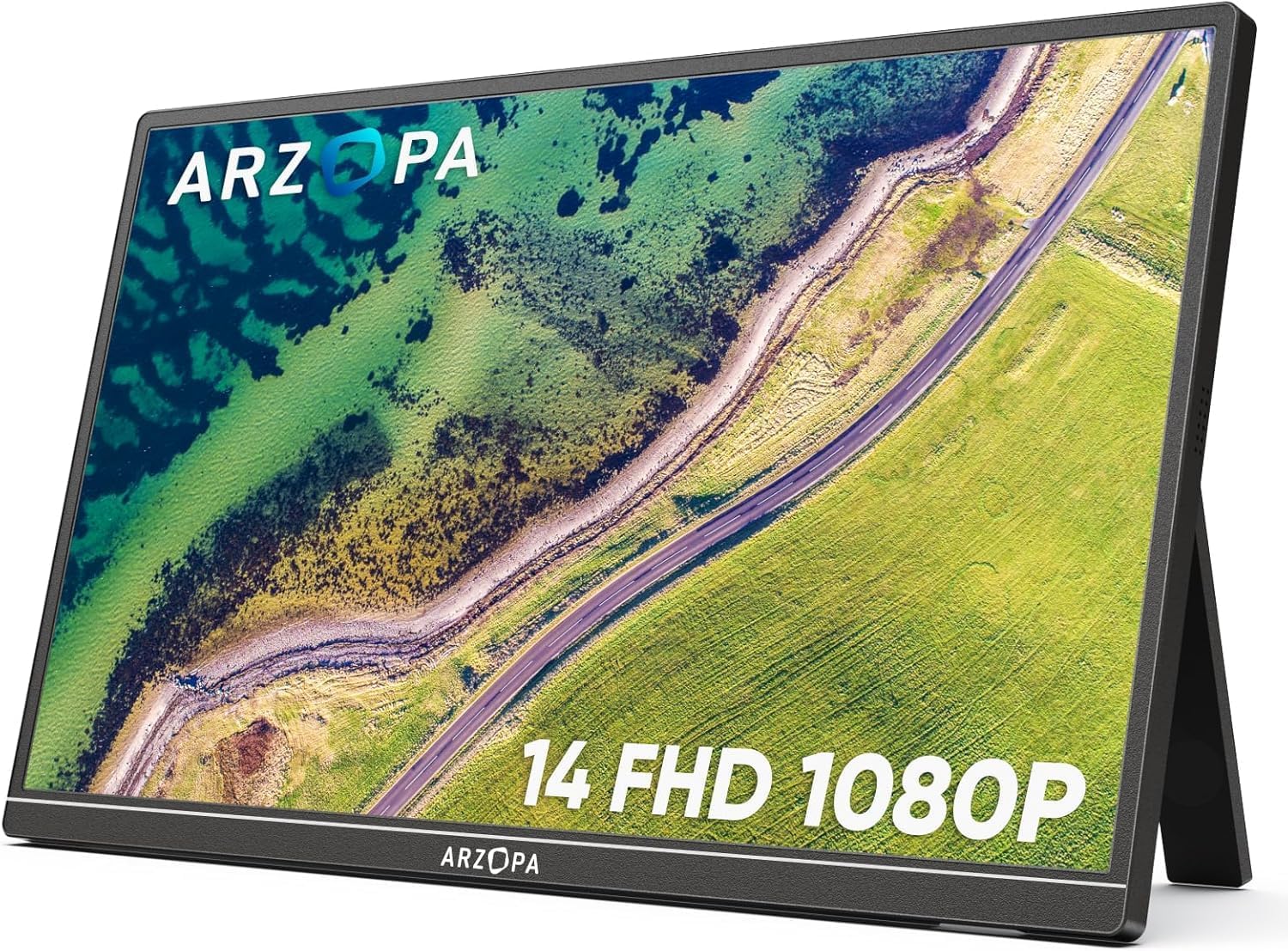
If you are buying new, compare like with like. You pay for a processor, battery and operating system on a tablet, none of which a second screen needs. The MSI PRO MP161 15.6" FHD is around ₹9,999 at the time of writing and rated 4.6 across 340 reviews. The ARZOPA 14" FHD Ultra Slim is around ₹10,999. Amazon prices change, so check the product pages for the live price. Our are portable monitors worth it guide looks at whether the spend makes sense.
Ports and compatibility
A tablet screen cannot normally act as a display for another device. You cannot plug a PS5, a Raspberry Pi or most phones into it and see their output. A portable monitor can, through HDMI or USB-C video input.
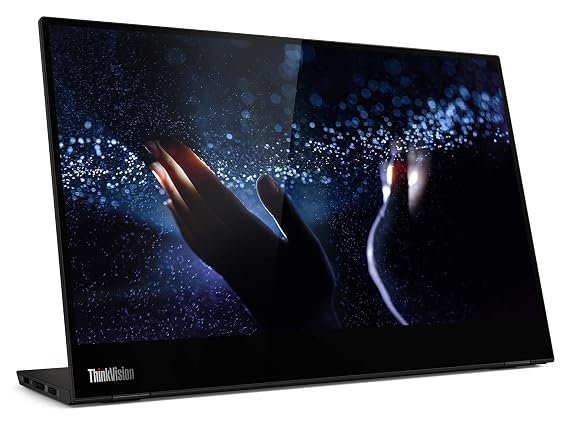
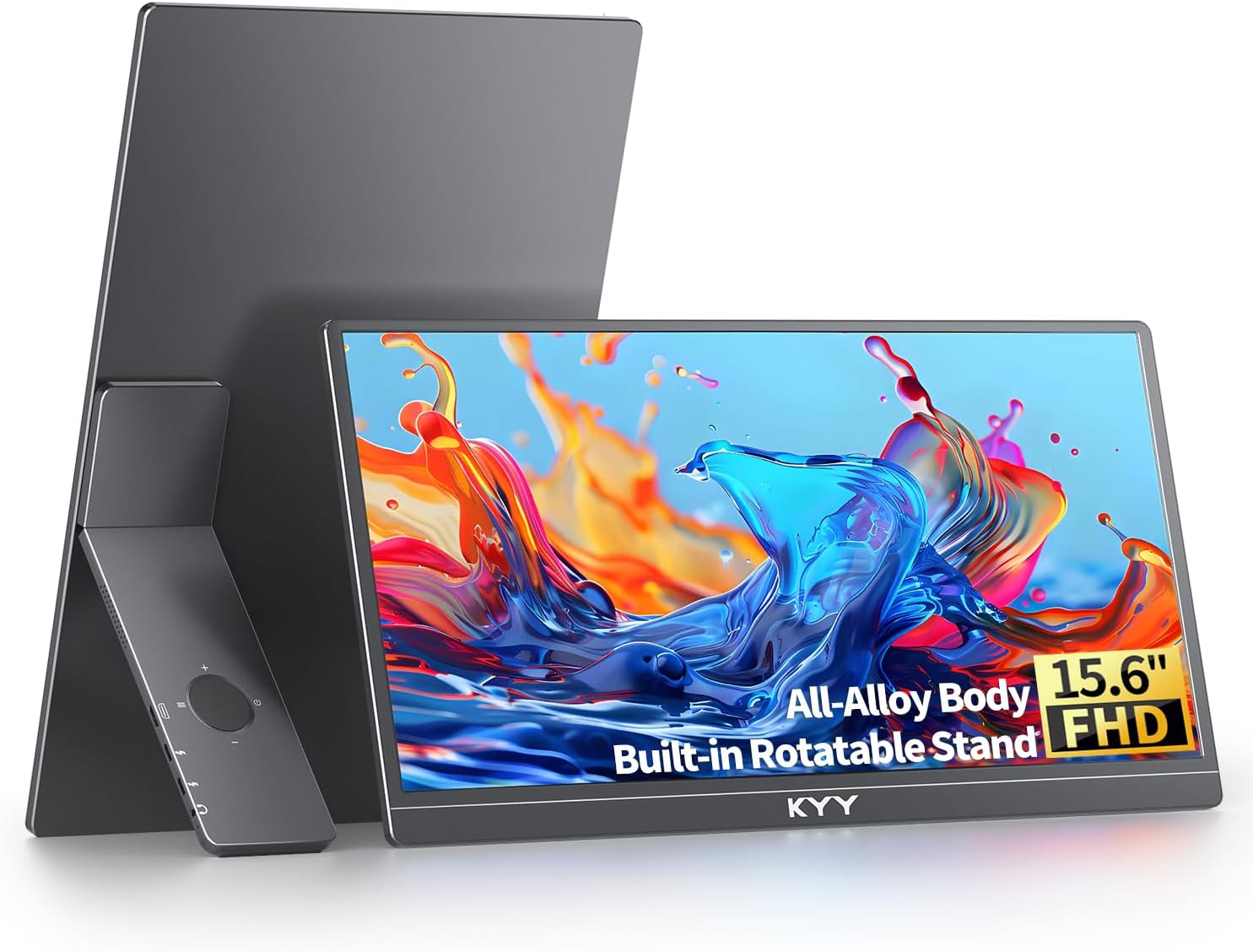
Portable monitors in our list mostly offer both USB-C and mini HDMI, which makes them flexible. The KYY 15.6" FHD USB-C HDMI, around ₹16,227 at the time of writing, is listed as working with laptops, MacBooks, PCs, phones and gaming consoles. The Lenovo ThinkVision M14T 14″ FHD Touch has USB-C only, so it fits laptops that output video over USB-C. If you use a Mac, see our portable monitors for MacBook guide.
Portability and battery
A tablet carries its own battery, so it works untethered as a reader or video player when you are not using it as a screen. A portable monitor has no built-in battery in any listing in our database, so it relies on the laptop or a charger. That is a real trade-off if you work in places with few sockets. Read whether portable monitors need external power to plan for it.
On weight, monitors are comparable. The ARZOPA 14" Ultra Slim lists 0.5 kg and the Lenovo ThinkVision M14T lists 0.6 kg, while many 15.6-inch models sit around 0.7 to 0.8 kg. Tablet weight varies by size, so check the model you own.
Screen size and multitasking
Most tablets are 10 to 13 inches, which is small as a side screen next to a 14-inch laptop. Portable monitors reach 15.6 and 17.3 inches, and you get more room for a code editor, a spreadsheet or a video call. The 15.6-inch size is the common sweet spot, covered in our portable monitor buying guide.
Touch and drawing
If you want touch, a tablet gives it by default and often pen support. In our list, Lenovo ThinkVision M14T is the touch model at a typical portable size, around ₹31,990. Check the listing for pen support before you rely on it, since our data does not list it. If you want touch with a 4K OLED panel, the Upperizon OLED 15.6" 4K Touch is far pricier, at around ₹70,677. Browse more in the touchscreen portable monitors category.
Choose a portable monitor if
- You use a second screen daily for work, coding, spreadsheets or video calls.
- You want zero setup and no lag.
- You want to connect a console, Raspberry Pi or phone.
- You want a bigger screen than a typical tablet gives you.
Choose a tablet if
- You already own one and use a second screen only occasionally.
- You want a device that also works alone as a reader, notes device or media player.
- Your laptop and tablet pair well with a wired or wireless extension feature, and you have tested it.
- You want pen input for drawing or note-taking.
Our recommendation
For most people, a cheap wired monitor beats a tablet pairing in daily use. The MSI PRO MP161 15.6" FHD has the lowest price in our list, and the KYY 15.6" FHD USB-C HDMI has more owner ratings (890) with a 4.8 rating. Both are 60 Hz, 1080p panels, which their listings flag as a drawback. The MSI is also the dimmer of the two at 250 nits against 300 for the KYY, so it suits indoor use better than a bright window seat.
If you are unsure, test your tablet first with a software second-screen setup for a week. If the lag or setup annoys you, buy a monitor.