By PortableMonitor Editorial Team ·
Are Portable Monitors Worth It? An Honest Guide for India (2026)
Are portable monitors worth it? For laptop users who need more screen space, yes, from around ₹10,000. Here is who gains, who should skip and what to expect.
Disclosure: as an Amazon Associate we earn from qualifying purchases made through links on this page. This guide is based on manufacturer specifications, Amazon.in listings and owner reviews. Prices change, so check the live price before you buy. How we research.
Are portable monitors worth it? For anyone who works on a laptop and wants more screen space, yes. A good 14 to 15.6 inch Full HD model costs around ₹10,000 to ₹16,000 in India, and it turns a single-window laptop into a two-screen workspace. If your laptop use is light and mostly one window at a time, you can skip one.
Here is the full picture based on manufacturer specs, listing details and what owners report on Amazon.in.
What a portable monitor actually gives you
A portable monitor is a thin external display, usually 14 to 17 inches, that plugs into your laptop with a USB-C or mini HDMI cable. It acts as a second screen. You can extend your desktop onto it, mirror your laptop screen or use it with a phone or console.
None of the 16 monitors in our database has a built-in battery, almost all are 60 Hz, and all but one use an IPS panel (the exception is an OLED model). They draw power from the connected device or a power adapter, so plan for the cable. Our guide on whether portable monitors need external power explains the options.
When a portable monitor is worth it
You work from more than one place
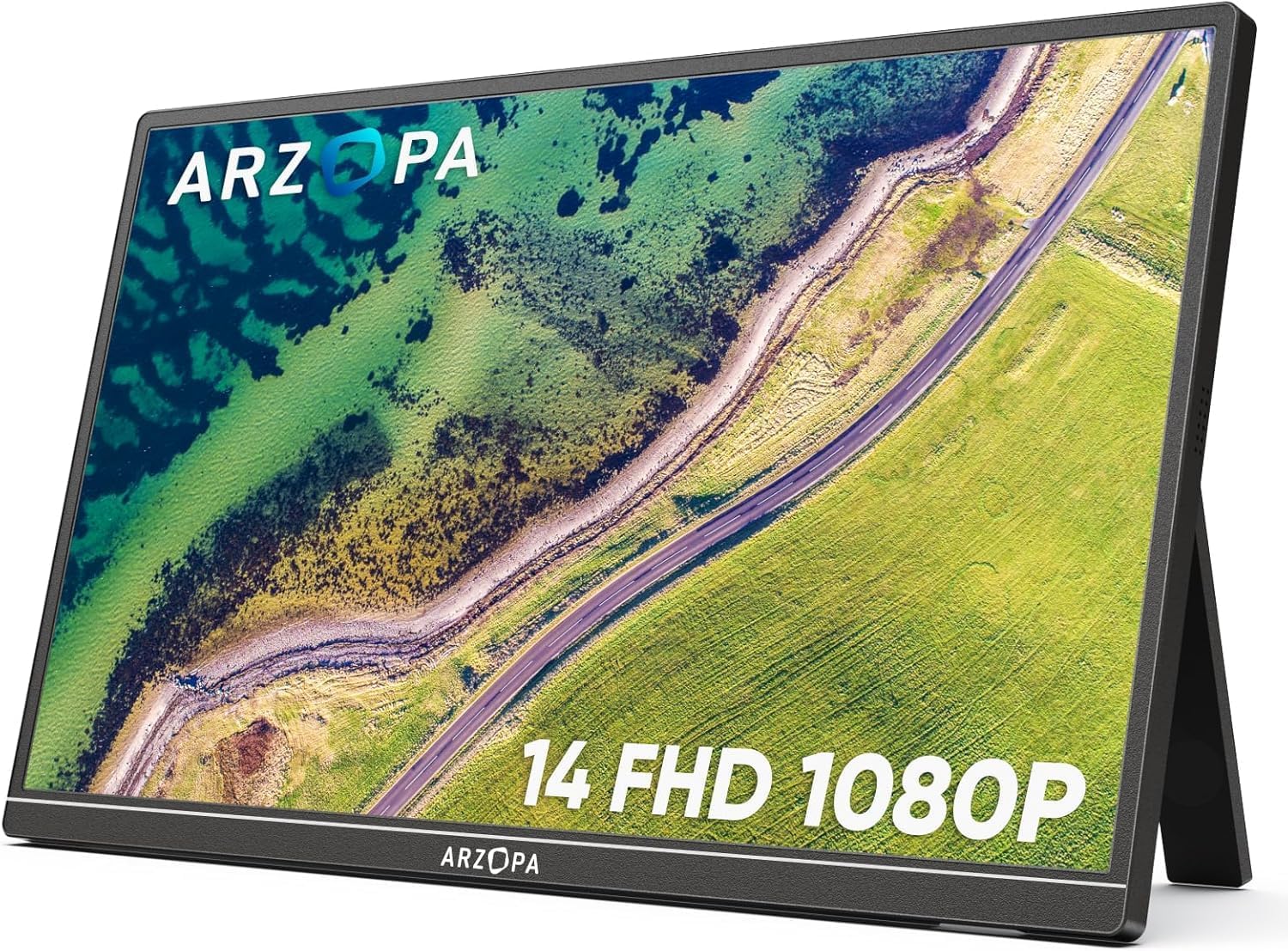
If you move between home, a co-working desk and travel, a portable monitor goes where you go. A 0.5 to 0.8 kg screen slides into a laptop bag. The ARZOPA 14" FHD Ultra Slim weighs 0.5 kg, the lightest in our database.
You keep switching between windows
Developers, analysts, writers and anyone who works with reference material benefit most. Put the document or terminal on one screen and the editor or spreadsheet on the other. If you code, see our shortlist of the best portable monitors for developers.
You do not want a permanent desk monitor
A desk monitor needs a fixed spot and a power socket. A portable one folds away in a minute, which suits small flats and shared rooms.
You want a screen for a phone or console
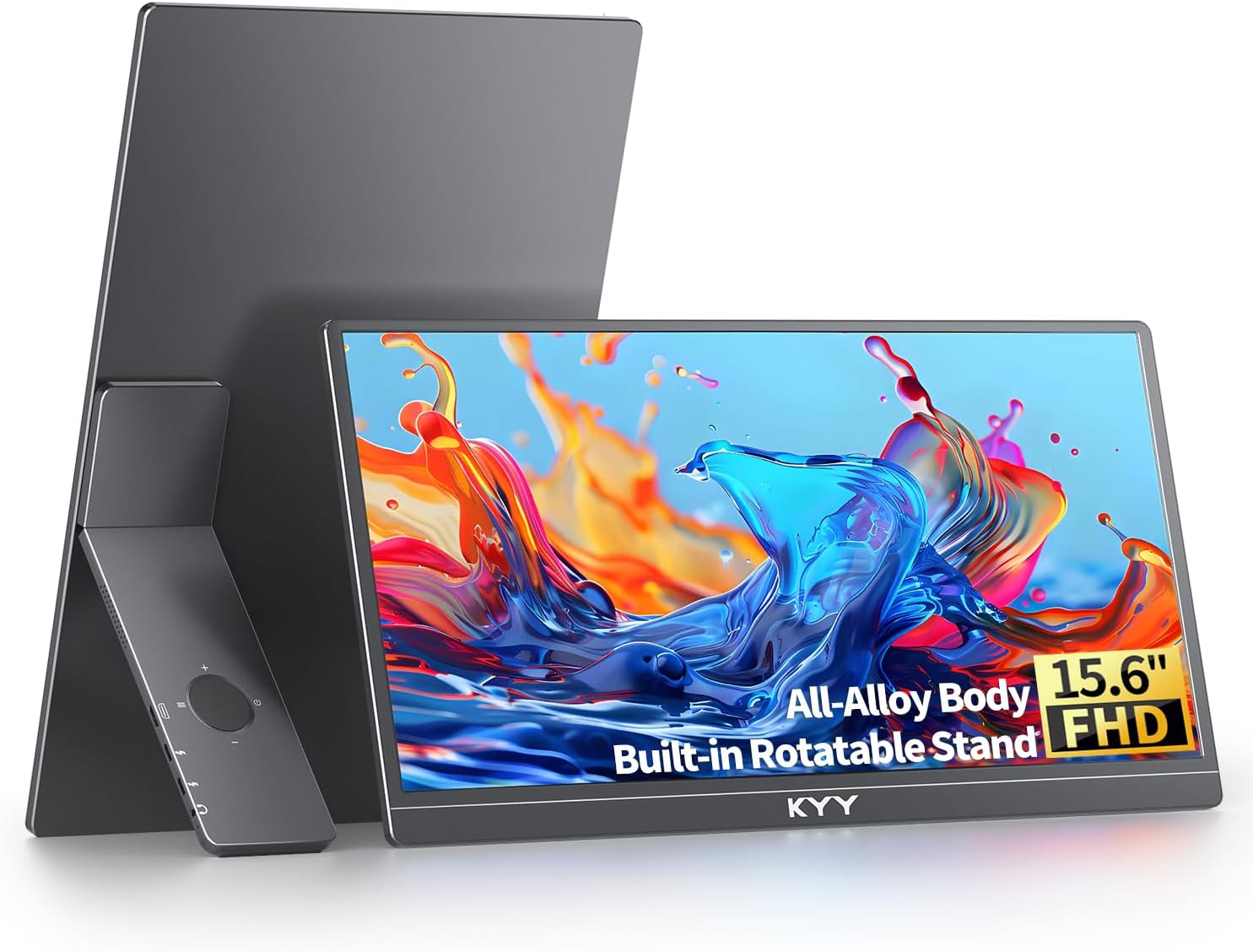
Many models list compatibility with phones and consoles. The KYY 15.6" FHD USB-C HDMI lists support for laptops, MacBooks, PCs, phones and gaming consoles.
When a portable monitor is not worth it
You rarely use more than one window
If your day is one browser tab or one video call, a second screen will sit in the bag. Try snapping two windows side by side on your laptop first. If that is enough, save the money.
Your laptop cannot output video over USB-C
Some laptops have a USB-C port that only charges. You can still use the HDMI route if the monitor has a mini HDMI port, but you also need a suitable cable and a power source. Check your laptop's manual first. Our guide on how to connect a portable monitor to a laptop shows how to confirm.
You want a fast gaming screen
Nearly all portable monitors in our database are 60 Hz. The ARZOPA G1 Game 15.6" FHD is labelled for gaming but is 60 Hz, which the listing's own cons call out as not true gaming. If speed matters, read our guide to the best portable monitors for PS5, Switch and Steam Deck.
You already own a tablet you like
A tablet can act as a second screen through software. That works for light use. A portable monitor is generally simpler because it behaves as a normal display, but a tablet gives you a standalone device. Our portable monitor vs tablet comparison covers the trade-offs.
The real downsides
Be honest with yourself about these before buying.
- Brightness is modest. Most models in our database are 250 to 300 nits. That is fine in an office and weak near a window or outdoors.
- Refresh rate is 60 Hz. Fine for work, limiting for fast games.
- Cables add clutter. One USB-C cable is neat. Two cables, one for video and one for power, are less so.
- Stands vary. Slim monitors often use a fold-out cover stand with limited angle options. Only some models have a VESA mount.
- Sound is basic. Built-in speakers are meant for convenience, not for music.
- Quality varies by brand. Ratings in our database range from 4.1 to 4.9, and review counts vary a lot.
What you pay in India (2026)
Prices below are approximate, as listed on Amazon.in at the time of writing. Amazon prices change, so use each product page for the live price.
| Monitor | Size | Weight | Price (approx.) | Rating |
|---|---|---|---|---|
| MSI PRO MP161 15.6" FHD | 15.6" | 0.6 kg | ₹9,999 | 4.6 (340) |
| ARZOPA 14" FHD Ultra Slim | 14" | 0.5 kg | ₹10,999 | 4.1 (670) |
| Omiodo 15.6" FHD IPS Ultra-Slim | 15.6" | 0.7 kg | ₹11,350 | 4.9 (320) |
| KYY 15.6" FHD USB-C HDMI | 15.6" | 0.75 kg | ₹16,227 | 4.8 (890) |
Cheapest sensible option
The MSI PRO MP161 15.6" FHD is around ₹9,999, with USB-C, mini HDMI and a foldable kickstand. It is the cheapest monitor in this table. The listed weaknesses are 250 nits brightness and 60 Hz only.
Best rated at a low price
The Omiodo 15.6" FHD IPS Ultra-Slim is around ₹11,350 and has a 4.9 rating from 320 reviews, the highest rating among the budget options. Its listed cons are 60 Hz and no VESA mount.
Lightest
The ARZOPA 14" FHD Ultra Slim is about ₹10,999 and weighs 0.5 kg. The cost is lower brightness (250 nits) and a smaller screen.
Best all-rounder
The KYY 15.6" FHD USB-C HDMI costs about ₹16,227, with a 4.8 rating from 890 reviews. You pay more than for the three above, and in return you get the most review evidence of the four.
For more models in this price band, see our budget portable monitors category or the list of the best portable monitors under ₹15,000.
What daily use feels like
Typical use is a fixed side screen next to the laptop. You unfold the cover stand, plug in one cable and the desktop extends within a few seconds. Moving between rooms or carrying it to a client site takes a minute of packing.
The part people tend to underestimate is the stand. A fold-out cover stand works on a flat desk and gets awkward on a bed, a train tray or a cramped cafe table. Models with a VESA mount, such as the UPERFECT 22" 2K Touch 180°, give you more mounting options but weigh 1.5 kg. Weigh convenience against size before you choose.
Also think about how long you will keep it. A portable monitor does not tie you to one laptop. A new laptop with a USB-C video port will work with the same screen, which makes the purchase last longer than a laptop-specific accessory. Cheaper models may feel less durable after months of packing and unpacking, so a sleeve or case is worth having.
A simple way to decide
Answer these three questions.
- Do you use at least two windows at once most days? If yes, a portable monitor is likely worth it.
- Do you work in more than one place? If yes, pick a model under 0.8 kg.
- Does your laptop output video over USB-C, or do you have a way to use HDMI? If not, solve that first.
If you answered yes to the first two and can connect it, buy a 15.6 inch Full HD model under ₹16,000. If you answered no to the first, do not buy one yet.
The verdict
Put simply, the value comes from how often you use the extra space. Two or three days a week of real two-window work is usually enough to justify an entry-level model, and daily use makes it an easy yes.
For laptop users who need more space, a portable monitor is one of the better-value accessories you can buy, and the entry price in India is low. It is a poor purchase if you want a fast gaming screen or a bright outdoor display. Our portable monitor buying guide walks through size, ports and panel type if you decide to go ahead. For travel use, our guide to the best portable monitors for remote work and travel narrows it down further.
This guide is based on spec and listing comparison, not hands-on testing, so read recent reviews on the product page before you order.