By PortableMonitor Editorial Team ·
Best Portable Monitor for Raspberry Pi and Mini PC in India (2026)
The best portable monitor for a Raspberry Pi or mini PC needs an HDMI input, its own power source and ideally a VESA mount. Here are the picks from our list.
Disclosure: as an Amazon Associate we earn from qualifying purchases made through links on this page. This guide is based on manufacturer specifications, Amazon.in listings and owner reviews. Prices change, so check the live price before you buy. How we research.
The best portable monitor for a Raspberry Pi is one with an HDMI input, a way to run from its own power supply and, if you want a permanent build, a VESA mount. For a mini PC the same rules apply. Our value pick is the MSI PRO MP161 15.6" FHD at around ₹9,999 at the time of writing.
Quick answer: MSI PRO MP161 for the lowest price, KYY 15.6" FHD USB-C HDMI for a well-reviewed 15.6-inch with both ports, Upperizon 15.6" FHD HDR IPS if you want VESA mounting, and UPERFECT 22" 2K Touch 180° for a big touch kiosk.
We compared manufacturer specs, listing details and owner ratings. We have not connected these monitors to a Pi ourselves, so check cables and ports on the listing before you buy.
What a Raspberry Pi or mini PC needs from a portable monitor
HDMI input, not just USB-C
Raspberry Pi boards output video over HDMI. The Pi 5 and Pi 4 have two micro HDMI ports. Older full-size boards such as the Pi 3 use a standard HDMI port, and Pi Zero boards use mini HDMI. The USB-C port on a Pi is for power, so it will not drive a USB-C monitor. This is why a monitor with HDMI is the right match. All the monitors we list below have a mini HDMI port per our data.
You will probably need a cable that is micro HDMI at the Pi end and mini HDMI at the monitor end. Look for that cable by name, or use a micro HDMI to HDMI cable plus a small HDMI to mini HDMI adapter. Confirm the connector on the listing before you order. Our guide on how to connect a portable monitor to a laptop covers HDMI and USB-C basics.
A separate power source
HDMI carries picture, not power. Plan to power the monitor from its own USB adapter or a power bank, not from the Pi's USB ports, which have limited current. A Pi under load already needs a proper supply, so keep the monitor off it. Details are in our guide on whether portable monitors need external power.
Resolution that fits the board
A 1080p panel is the sweet spot for Pi projects. It is sharp enough for desktop use, and light on the Pi's graphics. Higher resolution adds little for dashboards or terminals. Most monitors here are 1920x1080, and the UPERFECT 22" 2K Touch 180° goes to 2560x1440 if you want more desktop space.
VESA mounting for builds
For a kiosk, wall dashboard or desk stand, a VESA mount matters. Per our data, three of the portable models have it: Upperizon 15.6" HDR, UPERFECT 22" and UPERFECT 24". The rest rely on a kickstand or cover stand.
Comparison table
| Monitor | Size | Resolution | Touch | VESA | Weight | Price (approx.) |
|---|---|---|---|---|---|---|
| MSI PRO MP161 15.6" FHD | 15.6" | 1920x1080 | No | No | 0.6 kg | ₹9,999 |
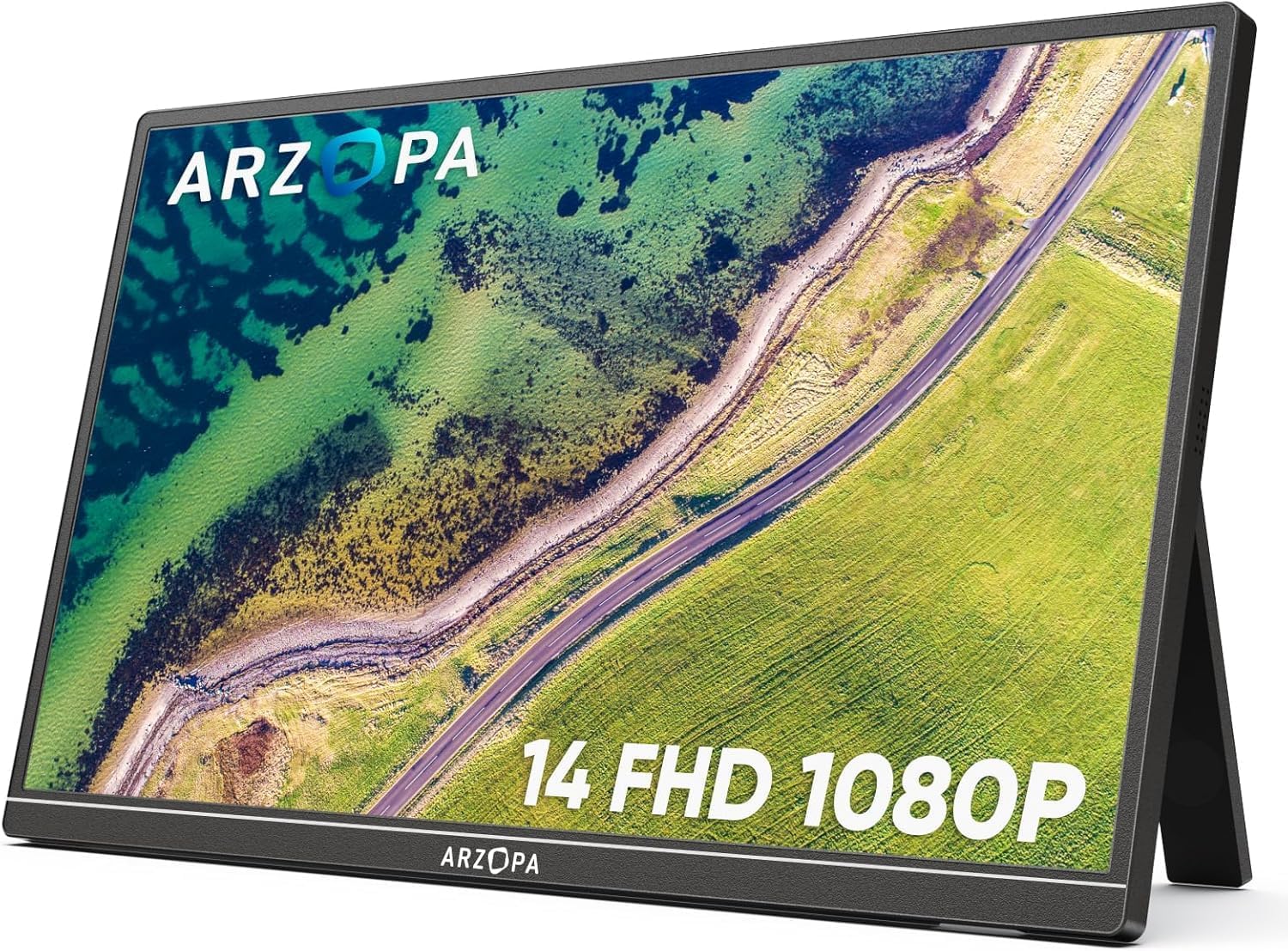
| ARZOPA 14" FHD Ultra Slim | 14" | 1920x1080 | No | No | 0.5 kg | ₹10,999 |
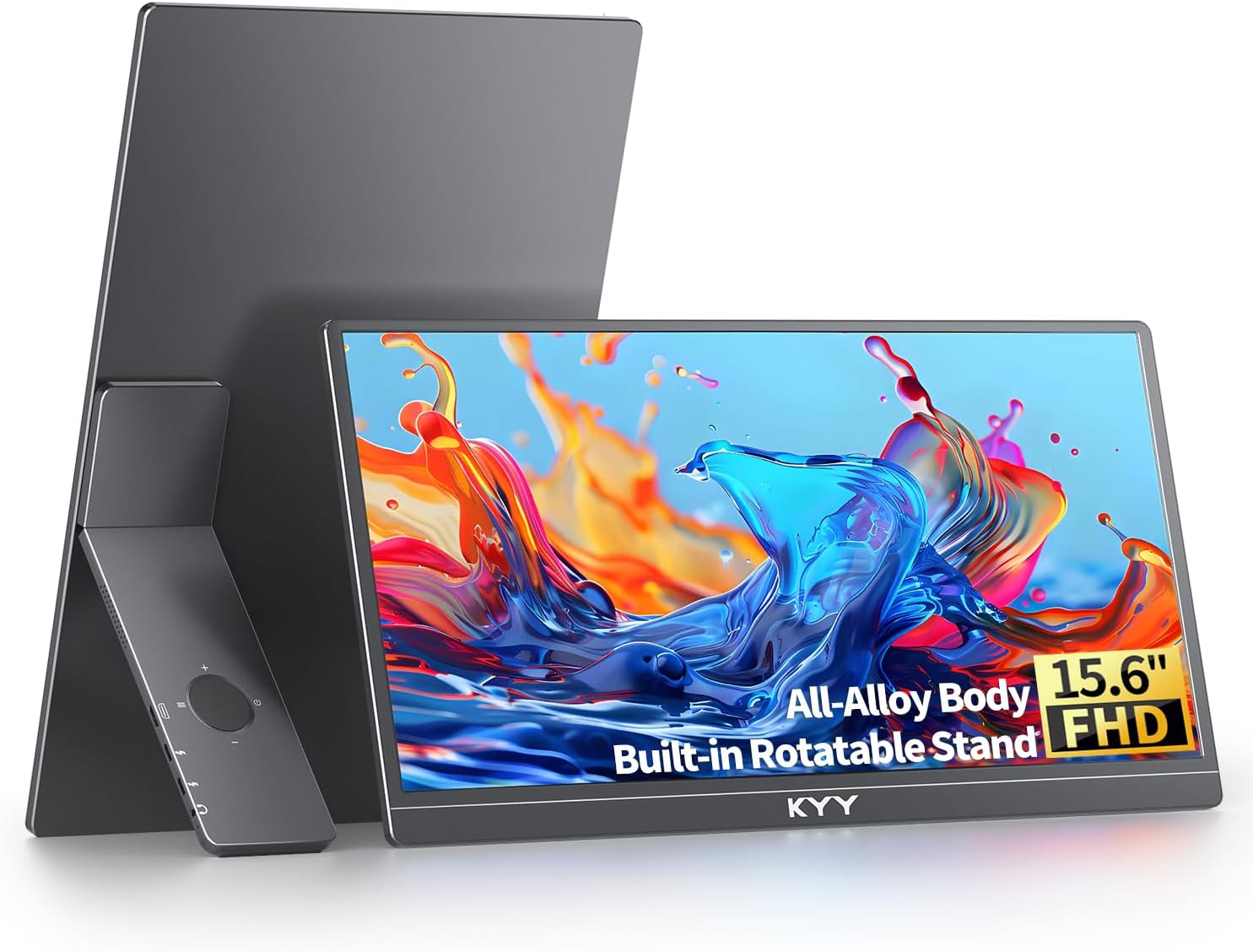
| KYY 15.6" FHD USB-C HDMI | 15.6" | 1920x1080 | No | No | 0.75 kg | ₹16,227 |
| Upperizon 15.6" FHD HDR IPS | 15.6" | 1920x1080 | No | Yes | 0.8 kg | ₹22,184 |
| UPERFECT 22" 2K Touch 180° | 22" | 2560x1440 | Yes | Yes | 1.5 kg | ₹67,821 |
| UPERFECT 24" 100Hz VESA | 24" | 1920x1080 | No | Yes | 1.8 kg | ₹42,320 |
Amazon prices change often. Use each product page for the live price.
Best picks
Best budget: MSI PRO MP161 15.6" FHD
At around ₹9,999 and 0.6 kg, this is the cheapest option in our database and the only one under ₹10,000. It lists USB-C PD and mini HDMI, a 4.6 rating from 340 reviews and a foldable kickstand. The drawbacks per the listing data are 250 nits brightness and a 60 Hz refresh rate. That is fine for a terminal, home-lab screen or setup display, but it is dim near a window. See more in the under ₹10,000 portable monitors category.
Best all-rounder: KYY 15.6" FHD USB-C HDMI
Around ₹16,227, rated 4.8 from 890 reviews, with a 300-nit IPS panel and built-in speakers. It lists both USB-C and mini HDMI, so it also works with your laptop when the Pi project is done. No VESA mount and 60 Hz only are the listed cons. The budget portable monitors page lists cheaper options if the price is a concern.
Best for permanent builds: Upperizon 15.6" FHD HDR IPS
Around ₹22,184, 4.8 rating from 520 reviews, with VESA mounting, built-in speakers and HDR listed. It is the only 15.6-inch portable monitor in our list with a VESA mount, so it is the natural choice for mounting a Pi behind a screen. The cons are 60 Hz and no touch. The price is higher than the budget picks, and the extra spend mainly pays for the mount.
Lightest for a portable Pi kit: ARZOPA 14" FHD Ultra Slim
At 0.5 kg and around ₹10,999 it is the lightest screen in our database. That suits a pocketable Pi Zero or Pi 4 travel kit. The cost is 250 nits of brightness, a lower rating (4.1 from 670 reviews) and 60 Hz.
Best touch kiosk: UPERFECT 22" 2K Touch 180°
This 22-inch 2560x1440 screen has multi-touch, VESA mounting and a 180° stand, with a 4.9 rating from 95 reviews. At around ₹67,821 it is expensive, and 1.5 kg is heavy for travel. It fits a fixed kiosk or control panel. Touch usually runs over a USB connection, and many USB touch screens work with Raspberry Pi OS without extra software, but confirm with owner reviews for your exact OS version. Browse the touchscreen portable monitors category for more.
Best large desk screen for a mini PC: UPERFECT 24" 100Hz VESA
This 24-inch 1080p panel runs at 100 Hz, has VESA mounting and costs around ₹42,320. It weighs 1.8 kg, so it is a desk display more than a travel one. It suits a mini PC used as a small workstation or retro-gaming box.
Cable and adapter checklist
Most "no picture" problems on Pi builds come from the wrong cable, so sort this out before the monitor arrives.
| Your board | Video port on the board | Cable to look for |
|---|---|---|
| Raspberry Pi 5 or Pi 4 | Micro HDMI (two ports) | Micro HDMI to mini HDMI, or micro HDMI to HDMI with an adapter |
| Raspberry Pi 3 and earlier full-size boards | Full-size HDMI | HDMI to mini HDMI |
| Raspberry Pi Zero family | Mini HDMI | Mini HDMI to mini HDMI, or an adapter |
| Mini PC | Usually full-size HDMI, sometimes DisplayPort or USB-C | HDMI to mini HDMI |
Keep the HDMI cable short, since long thin cables are a common cause of dropouts. If you also plan to use the monitor with a laptop over USB-C, a spare cable in the bag saves a lot of swapping.
Using a portable monitor with a mini PC
Mini PCs usually have full-size HDMI or DisplayPort, and some have USB-C with DisplayPort Alt Mode. If the mini PC has a video-capable USB-C port, you can run one cable. If it only has HDMI, use the monitor's HDMI input and power it separately.
A portable monitor is useful with a mini PC for first-time setup, headless server debugging, and travel. For longer coding sessions, see our best portable monitors for developers and our coding portable monitors page.
Troubleshooting a Pi that shows no picture
- Check you used the correct micro HDMI port on the Pi. On the Pi 4 and 5, use the port nearest the USB-C power connector first.
- Try a different HDMI cable.
- Make sure the monitor is on the right input.
- Power the monitor separately.
If the picture still does not appear, our portable monitor no signal fixes guide goes through the checks in order.
Which one should you buy?
Buy the MSI PRO MP161 if you want the cheapest working screen. Buy the KYY if you want a screen that doubles as a laptop display. Buy the Upperizon if you plan to mount the board. Buy the UPERFECT 22" touch for a kiosk, and accept the weight and price.