By PortableMonitor Editorial Team ·
Best Portable Monitors for Stock Market Trading in India (2026)
A portable monitor for stock market trading in India gives your laptop a second chart screen. Here are five picks, with notes on resolution, VESA mounts and USB-C power.
Disclosure: as an Amazon Associate we earn from qualifying purchases made through links on this page. This guide is based on manufacturer specifications, Amazon.in listings and owner reviews. Prices change, so check the live price before you buy. How we research.
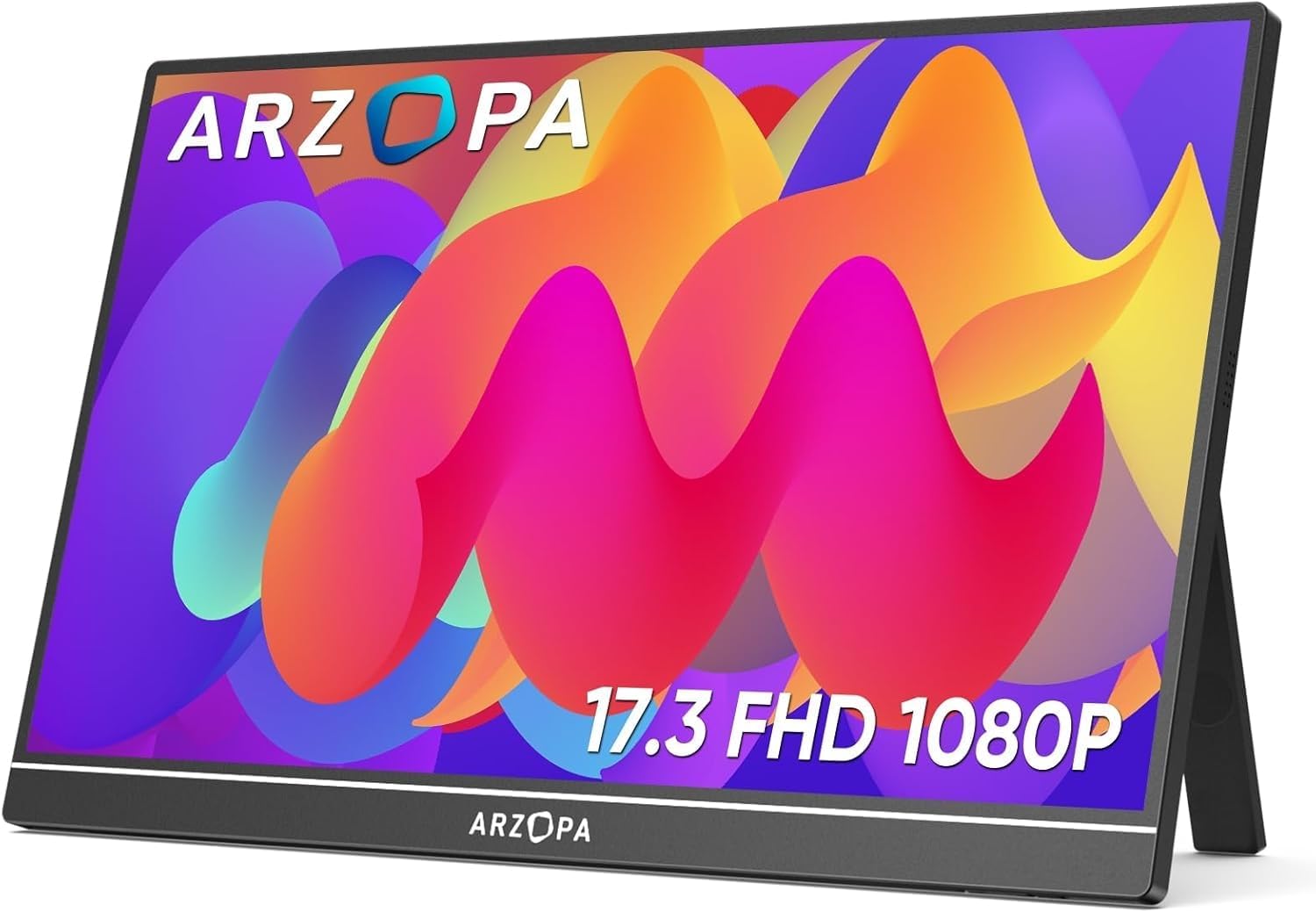
A portable monitor for stock market trading is a second (or third) screen that sits next to your laptop, so your charts stay in view while the order window, watchlist or news lives elsewhere. Based on manufacturer specs and owner reviews, the ARZOPA 17.3" FHD 103% sRGB is the best value pick for most traders because it is the largest screen in our data under ₹20,000. If you want a monitor that can hang on a stand or arm, look at the VESA models below.
Quick answer: For most traders, the ARZOPA 17.3" FHD 103% sRGB (around ₹16,990 at the time of writing) is the sensible first extra screen. For the lowest cost, take the Omiodo 15.6" FHD IPS Ultra-Slim at around ₹11,350. For a VESA-mountable screen, the Upperizon 15.6" FHD HDR IPS is the smaller option and the UPERFECT 24" 100Hz VESA is the bigger one. Amazon.in prices change often, so check each product page for the live price.
This is a hardware guide, not financial advice. It says nothing about what to trade.
What a trading setup needs from a portable monitor
Trading screens have a different job from gaming or video screens. You read numbers and lines for hours, so a few specs matter more than the rest.
- Size and pixel density. Candlestick charts and depth tables need room, but small text must stay readable. A 15.6" full HD panel works out to roughly 141 pixels per inch, a 17.3" full HD panel to roughly 127, and a 24" full HD panel to roughly 92 (simple arithmetic from the resolution and size). Lower density means softer text at the same viewing distance.
- Refresh rate. Every monitor in our data except one runs at 60Hz. That is fine for charts. Prices update in ticks, not at 144 frames per second.
- Brightness. Most of these panels list 300 nits. That suits an indoor desk. It will struggle near a sunny window.
- Mounting. A kickstand is fine for a desk. If you want a screen at eye level or in portrait mode, you need a VESA mount.
- Ports and power. All the monitors below list USB-C power and a mini HDMI port, so they connect to most laptops. How they are powered is covered later.
Quick comparison
| Monitor | Size | Resolution | VESA | Weight | Price (approx.) | Rating |
|---|---|---|---|---|---|---|
| Omiodo 15.6" FHD IPS Ultra-Slim | 15.6" | 1920x1080 | No | 0.7 kg | ₹11,350 | 4.9 (320 reviews) |
| ARZOPA 17.3" FHD 103% sRGB | 17.3" | 1920x1080 | No | 0.73 kg | ₹16,990 | 4.3 (980 reviews) |
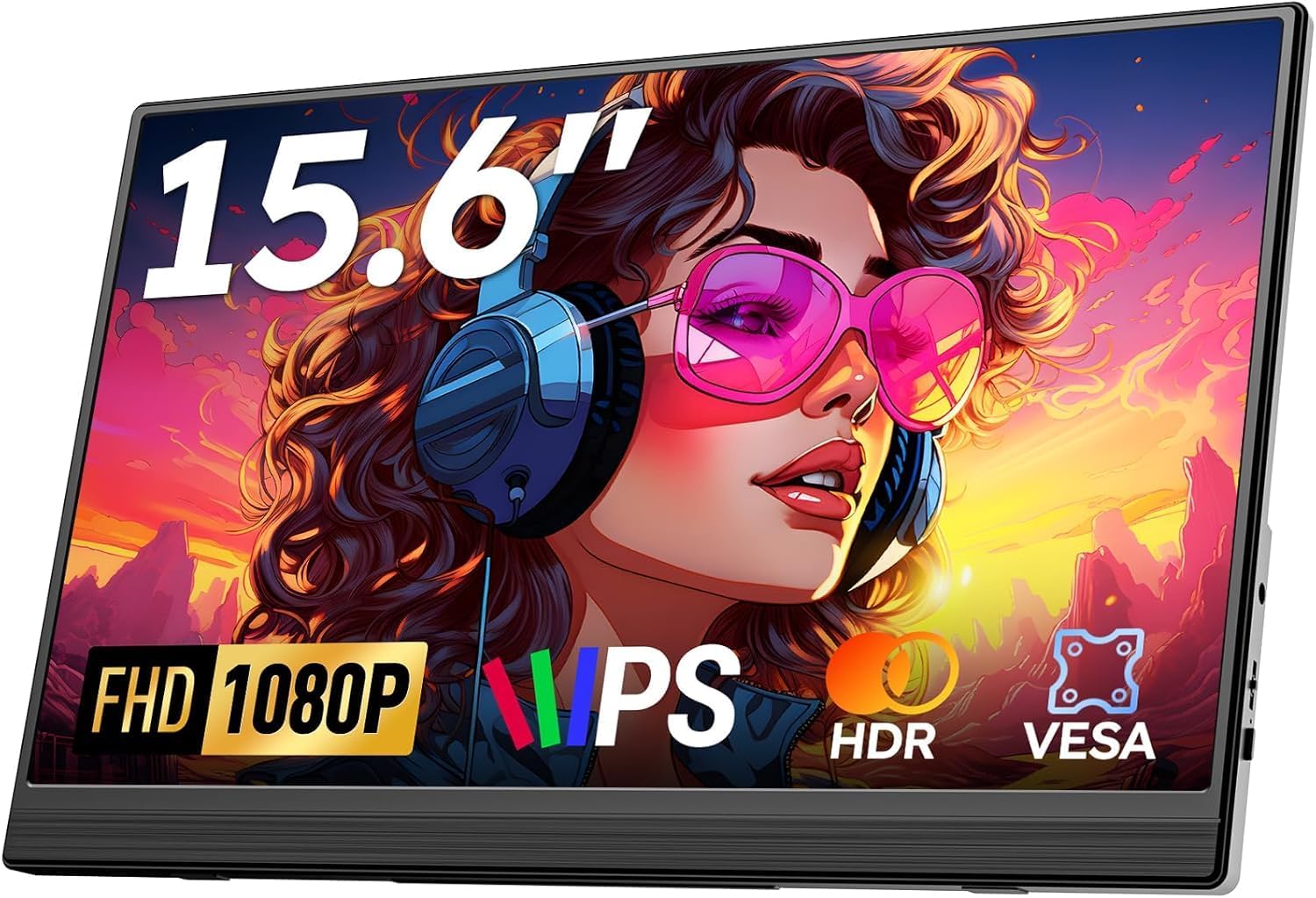
| Upperizon 15.6" FHD HDR IPS | 15.6" | 1920x1080 | Yes | 0.8 kg | ₹22,184 | 4.8 (520 reviews) |
| UPERFECT 24" 100Hz VESA | 24" | 1920x1080 | Yes | 1.8 kg | ₹42,320 | 4.7 (210 reviews) |
| UPERFECT 22" 2K Touch 180° | 22" | 2560x1440 | Yes | 1.5 kg | ₹67,821 | 4.9 (95 reviews) |
Best value: ARZOPA 17.3" FHD 103% sRGB
At 17.3 inches, this is the biggest screen you can buy in our data without crossing ₹20,000. That extra size over a 15.6" model is useful: a full chart plus a few indicator panes fit without squinting. Its listing shows HDR, 103% sRGB and a built-in kickstand. It is listed at 0.73 kg, so it also travels with a laptop.
Downsides: it has no VESA mount, so you are tied to the kickstand and landscape orientation. It is 60Hz only, and its rating (4.3) is lower than several others here, though it comes from a large pool of 980 reviews. Read the recent reviews before you buy.
Cheapest way to add a chart screen: Omiodo 15.6" FHD IPS Ultra-Slim
The Omiodo 15.6" FHD IPS Ultra-Slim is the most affordable 15.6" model in our data at around ₹11,350, and it has a 4.9 rating from 320 reviews. At 0.7 kg it is easy to keep in a laptop bag for trading away from your desk.
It has no VESA mount and no touchscreen, and it is 60Hz only. For a second watchlist screen that stays flat on a desk, that is all you need. If your budget is lower still, see our portable monitors under ₹10,000 page.
Best for a vertical watchlist: Upperizon 15.6" FHD HDR IPS
If you want a tall, narrow watchlist next to a landscape chart, the mounting matters more than the panel. The Upperizon 15.6" FHD HDR IPS lists VESA compatibility, HDR, built-in speakers and a 4.8 rating from 520 reviews. It costs around ₹22,184, which is more than the non-VESA 15.6" models, so you are paying for the mount and HDR.
Downsides: 60Hz, no touchscreen, and the price. Also check the listing for which VESA pattern it uses before buying an arm. We have only a yes or no for VESA in our data.
Bigger desk-style screens: UPERFECT 24" and 22"
These two are better described as movable desktop monitors than portable ones. They suit a trader who wants a large second screen at a desk and occasionally moves it.
- UPERFECT 24" 100Hz VESA (around ₹42,320): the largest screen here, with a 100Hz refresh rate, a 180° kickstand and a VESA mount. At 1920x1080 on 24 inches, text is less sharp than on the smaller panels. It weighs 1.8 kg and is expensive.
- UPERFECT 22" 2K Touch 180° (around ₹67,821): 2560x1440 gives more pixels for side-by-side charts and a sharper image than a 24" full HD panel. It has touch, VESA and a 4.9 rating from 95 reviews. It is heavy at 1.5 kg and very expensive for a trading screen, and the review count is small.
For more on the larger sizes, see our large portable monitors guide and the large-screen portable monitors category.
Portrait mode and VESA: what to check
Most portable monitors come with a folding smart cover or a kickstand made for landscape use. Rotating the picture into portrait is easy in software. Keeping the monitor stable on its side is the hard part.
- Pick a model with a VESA mount if you plan to use portrait mode or an arm. In our data these are the Upperizon 15.6" FHD HDR IPS, the UPERFECT 22" and the UPERFECT 24".
- Confirm the VESA hole spacing on the listing before you buy a stand or arm.
- Rotate the output in Windows display settings, or in macOS display settings if your Mac allows it.
- Check the cable: a right-angle USB-C or mini HDMI connector helps when the monitor sits on its side.
How many screens can your laptop drive?
Nobody can answer this without your laptop model. The number depends on the graphics hardware, the ports, and the operating system. Here is how to work it out.
- Count the video outputs: HDMI ports and USB-C ports that support DisplayPort Alt Mode. Look for a small DisplayPort symbol next to the USB-C port, or check the manual.
- Many Windows laptops handle two external displays plus the laptop screen. Some thin ones manage only one external display.
- Base Apple silicon MacBooks have limits on external displays. Check Apple's specification page for your exact model before planning two portable monitors.
- A dock or USB display adapter can add outputs on some systems, but it adds cost and can behave differently from a native port.
Our triple-screen laptop setup guide walks through two-monitor and three-screen layouts in more detail.
Power during a full market session
Indian equity markets run for several hours, so power matters. A portable monitor that gets its power over USB-C draws that power from your laptop, which shortens battery time. Keep the laptop plugged in, or power the monitor from a separate adapter where the listing supports it. Our guide on whether portable monitors need external power explains the options. None of the monitors in our data lists a built-in battery.
Layouts that work on a laptop plus one portable screen
You do not need many screens to trade comfortably. A few simple layouts cover most needs.
- Charts on the portable, orders on the laptop. The big screen shows price action, and the laptop holds the order window and positions. This is the most common arrangement and works with any monitor here.
- Watchlist on the portable in portrait, charts on the laptop. A tall list shows many symbols at once. You need a VESA-mounted model for this, or a stand that holds the monitor on its side.
- News and messages on the portable. Keep a news feed, a messaging app or a research page on the second screen, so the laptop stays clear for the trading platform.
Put the second screen at the same height as the laptop screen, and keep its brightness close to the laptop's, so your eyes do not keep adjusting through a long session.
Common mistakes when buying a second trading screen
- Buying by size alone. A 24" full HD panel is large, but the text is softer than on a 15.6" panel. For small fonts in a trading platform, sharper can be better than bigger.
- Ignoring the laptop's port limits. If the laptop's only USB-C port is for charging, you need HDMI plus a power source for the monitor.
- Assuming a portable monitor rotates by itself. The picture rotates in software, but the stand decides whether the monitor stays upright on its side.
- Forgetting the cable. A short or stiff cable can pull the monitor over. Use a cable long enough for your layout.
- Skipping the reviews. A rating is only a summary, so read recent buyer comments about flicker, dead pixels and cable fit.
Which one should you buy?
- First extra screen, tight budget: Omiodo 15.6" FHD IPS Ultra-Slim.
- Biggest screen for the money: ARZOPA 17.3" FHD 103% sRGB.
- Portrait watchlist on an arm: Upperizon 15.6" FHD HDR IPS.
- Large desk screen you sometimes move: UPERFECT 24" 100Hz VESA, or UPERFECT 22" 2K Touch 180° if you want sharper text and touch.
If you also write code or build models in a spreadsheet, our portable monitors for developers guide applies to many of the same screens, and the size guide for 14, 15.6 and 17 inch monitors helps you decide how big to go. You can also browse every portable monitor with a coding or productivity focus.