By PortableMonitor Editorial Team ·
Best Portable Monitors for Students in India (2026)
A portable monitor for students lets you keep the class on one screen and your notes on another. Five picks under ₹15,000, with the weight and port details that matter.
Disclosure: as an Amazon Associate we earn from qualifying purchases made through links on this page. This guide is based on manufacturer specifications, Amazon.in listings and owner reviews. Prices change, so check the live price before you buy. How we research.
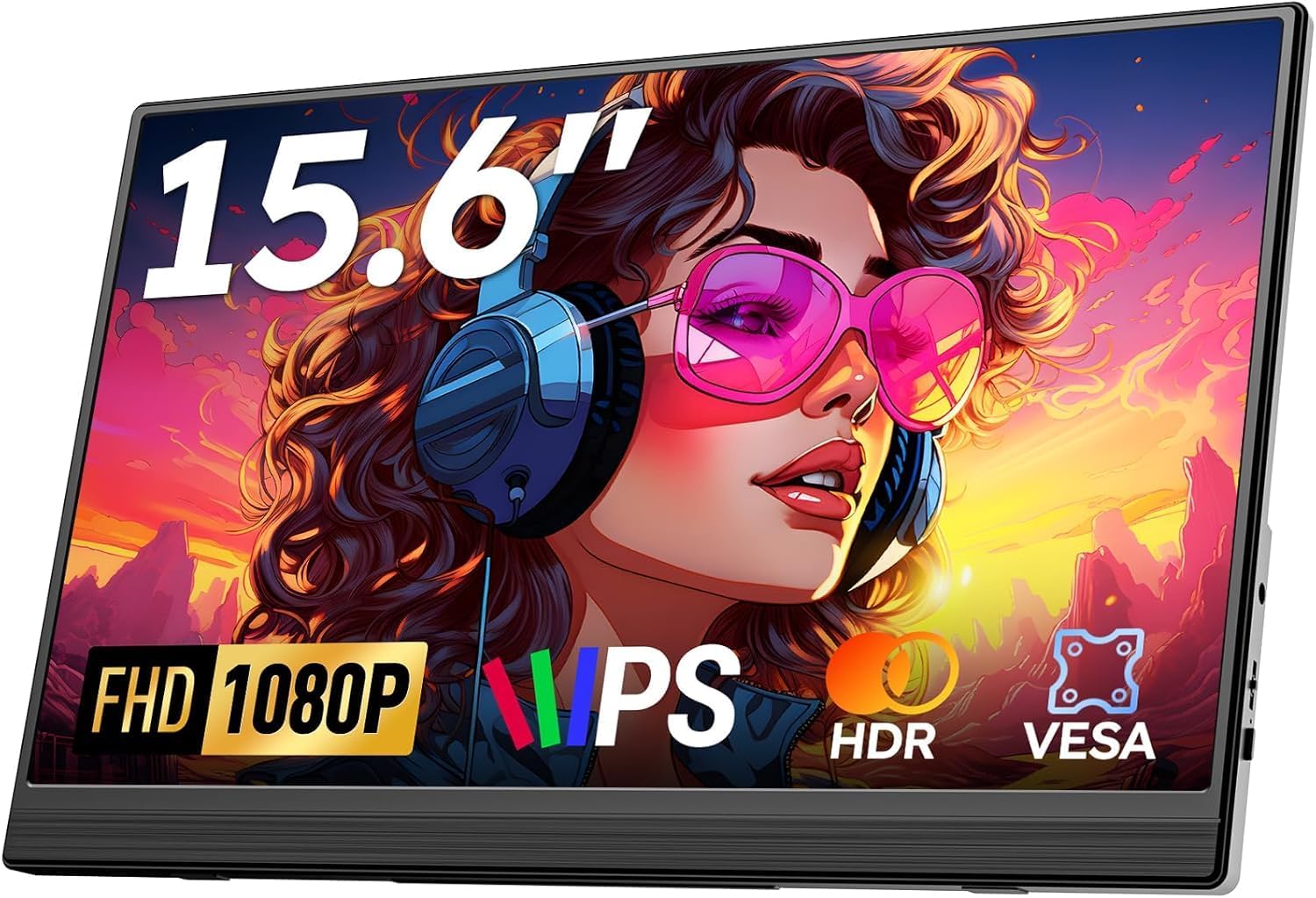
The best portable monitor for students in India is a lightweight 14 or 15.6 inch full HD screen that costs under ₹15,000, connects to a college laptop with one cable and slides into a backpack. Five monitors in our data fit that description. We compared manufacturer specs, listing details and owner ratings to sort them by price, weight and what they are bad at.
Quick answer: For the lowest price, the MSI PRO MP161 15.6" FHD is around ₹9,999 at the time of writing. For the highest rating under ₹15,000, the Omiodo 15.6" FHD IPS Ultra-Slim (4.9 from 320 reviews) is around ₹11,350. For the lightest bag, the ARZOPA 14" FHD Ultra Slim weighs 0.5 kg. Amazon.in prices change, so check each product page for the live price.
Do you actually need one?
A second screen helps when you keep two things in view at once: a recorded lecture or live Zoom class next to your notes, a PDF next to a document, or code next to documentation. If your course is mostly paper and slides, the laptop screen is enough.
A portable monitor also costs weight and battery. At 0.5 to 0.75 kg for the models below, it is lighter than most textbooks, but it adds a cable and a power draw. If you are deciding between this and a tablet, read our portable monitor vs tablet as a second screen comparison first.
Under ₹15,000: five picks compared
| Monitor | Size | Weight | Brightness | Price (approx.) | Rating |
|---|---|---|---|---|---|
| MSI PRO MP161 15.6" FHD | 15.6" | 0.6 kg | 250 nits | ₹9,999 | 4.6 (340 reviews) |
| ARZOPA 14" FHD Ultra Slim | 14" | 0.5 kg | 250 nits | ₹10,999 | 4.1 (670 reviews) |
| Omiodo 15.6" FHD IPS Ultra-Slim | 15.6" | 0.7 kg | 300 nits | ₹11,350 | 4.9 (320 reviews) |
| ARZOPA G1 Game 15.6" FHD | 15.6" | 0.72 kg | 300 nits | ₹11,999 | 4.2 (1,560 reviews) |
| ARZOPA 15.6" FHD USB-C | 15.6" | 0.74 kg | 300 nits | ₹12,990 | 4.3 (850 reviews) |
All five are 1920x1080 IPS panels at 60Hz with USB-C and mini HDMI, per our data. Nothing here has a touchscreen or VESA mount, and none lists a built-in battery. For more in this price range, see our best portable monitors under ₹15,000 guide, or the budget portable monitors category.
Cheapest: MSI PRO MP161 15.6" FHD
The MSI PRO MP161 15.6" FHD is the only one of the five under ₹10,000, at around ₹9,999. At 0.6 kg it is lighter than the other 15.6" models here. The pros in the data are the low price and the MSI brand; the cons are 250 nits of brightness and 60Hz only. Lower brightness is fine in a hostel room or library but weak near a sunny window.
Make sure you buy this exact listing. MSI also sells a similarly named MP161 E2, and its listing details in our data are inconsistent, so we do not recommend it. Check the model name and the ports on the listing before buying, and see our MSI PRO MP161 vs MP161 E2 comparison.
Highest rating: Omiodo 15.6" FHD IPS Ultra-Slim
The Omiodo 15.6" FHD IPS Ultra-Slim has a 4.9 rating from 320 reviews and an ultra-slim 0.7 kg body. It is listed as compatible with laptops, PC, Mac, phones and consoles, and includes a stand. At around ₹11,350 it sits in the middle of this group on price.
Its cons are the usual ones: 60Hz and no VESA mount. For most students, that is a non-issue. Ratings can change, so read recent reviews.
Lightest: ARZOPA 14" FHD Ultra Slim
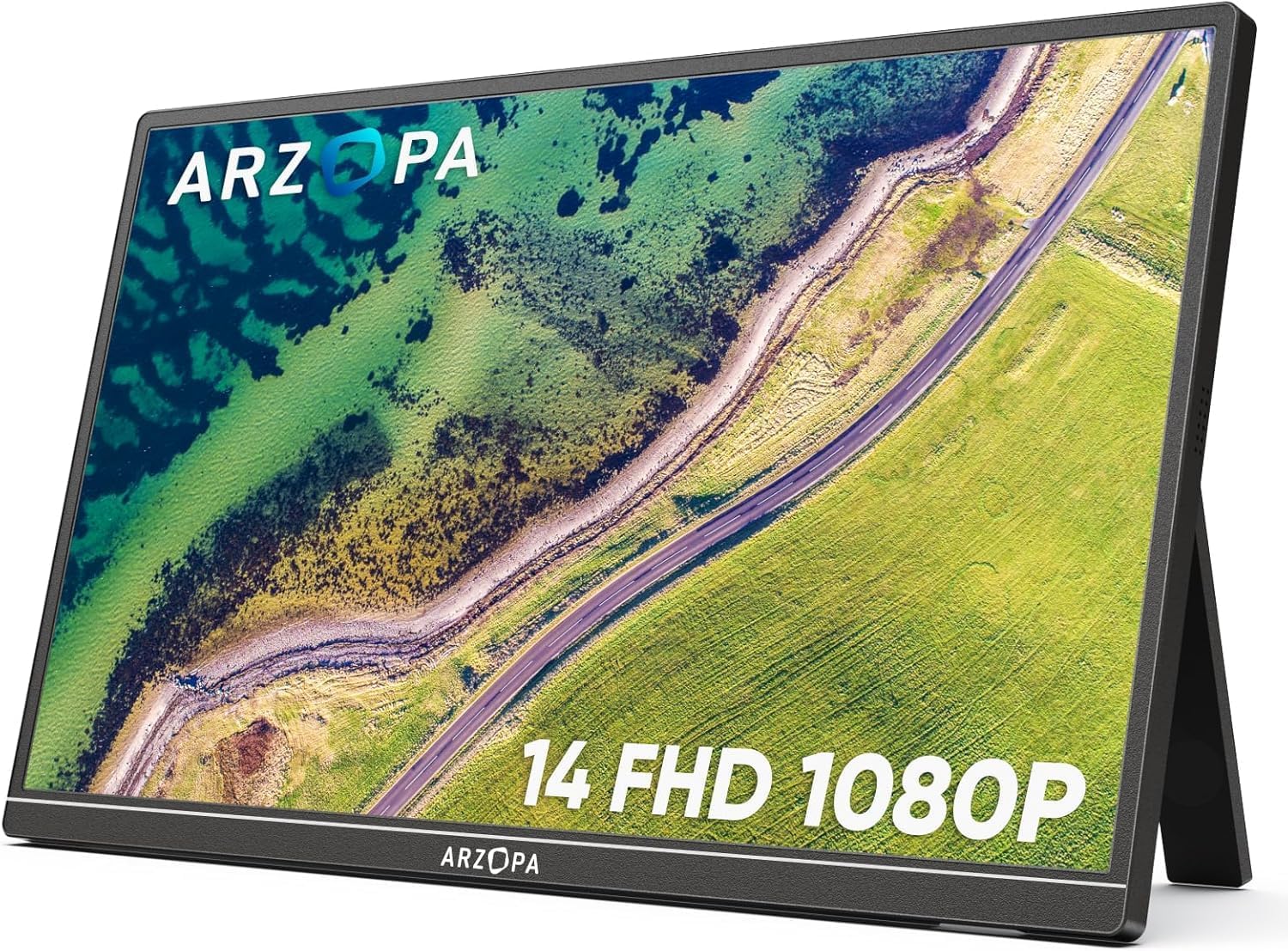
The ARZOPA 14" FHD Ultra Slim is the lightest monitor in our entire data at 0.5 kg, and its 14" size matches smaller laptops. It lists a built-in kickstand and dual speakers. At around ₹10,999 it is also cheap.
The trade-offs are clear: 250 nits of brightness (the lowest here, tied with the MSI), 60Hz and a 4.1 rating, the lowest of the five. The screen is also smaller, so side-by-side windows feel tighter than on 15.6". It suits a student who carries the screen every day and prefers a light bag.
Most reviews: ARZOPA G1 Game 15.6" FHD
The ARZOPA G1 Game 15.6" FHD has 1,560 reviews, the largest pool in our data, with a 4.2 rating. At around ₹11,999 and 0.72 kg it is budget friendly and lists console compatibility. Despite the "Game" name, it is 60Hz only (our data notes it is not a true gaming monitor), and it has a basic stand. If you also plug in a console in the hostel, it works, but it is not faster than the others. See our gaming portable monitors guide for console setups.
One-cable pick: ARZOPA 15.6" FHD USB-C
The ARZOPA 15.6" FHD USB-C is the most expensive of the five at around ₹12,990, and its listed pros are one-cable USB-C and good build quality. It has built-in speakers and a 4.3 rating from 850 reviews. The con is 60Hz. Pick it if your laptop has a full-featured USB-C port and you want the simplest desk setup.
Weight and bag: what the numbers mean
All five weigh between 0.5 and 0.74 kg, as listed. Add the cable and a cover, and the total is still lighter than a typical textbook. A 14" monitor fits better in a slim bag next to a small laptop. A 15.6" monitor will not fit in every laptop sleeve, so check the dimensions in the listing.
Using it with a college laptop
Before you buy, check the ports on the laptop.
- USB-C with video output. If the port supports DisplayPort Alt Mode, a single USB-C cable can carry picture and power. Many budget laptops have USB-C ports that only charge, so check the manual or specification sheet.
- HDMI instead. All five monitors list a mini HDMI port. If your laptop has full-size HDMI, you need a mini HDMI to HDMI cable, plus USB power for the monitor from the laptop or a charger.
- Software. On Windows, press the Windows key and P to choose extend or duplicate. On a Mac, use System Settings, then Displays.
Our step-by-step guide to connecting a portable monitor to a laptop covers each case, and the power guide explains battery drain. If a monitor is not detected, your no signal checklist covers the usual causes.
Online classes: how to set it up
- Put the class window (Zoom, Google Meet or Teams) on the portable monitor and notes on the laptop, or the other way around.
- Keep the webcam on the laptop screen, so you look at the camera when you speak.
- Use headphones if you can. The built-in speakers on these monitors are convenient but small, and sound routing between two screens can be confusing.
- Keep the laptop plugged in during long classes, since the monitor draws power over USB-C.
Tablets and phones
A portable monitor is not only for laptops. Some Android phones can send video over USB-C, and Samsung DeX offers a desktop-style layout on compatible Samsung devices. Newer iPhones with USB-C, such as the iPhone 15, can output to an external display. Support differs by model and cable, so see our guide to using a portable monitor with a phone before you rely on it.
Mistakes students make when buying
- Paying for features you will not use. A student second screen does not need HDR, touch or a high refresh rate. The extra cost goes to specs that make no difference for lecture videos and notes.
- Not checking the laptop's USB-C port. This is the most common reason a monitor shows no picture. Confirm video output support before ordering.
- Ignoring brightness. The 250 nit models are fine indoors, but they look dim in a bright classroom or near a window.
- Forgetting the stand. A foldable cover or kickstand is fine on a desk. On a bed or a lap, a portable screen is awkward, so plan to use it on a table.
- Skipping the warranty and return window. Check the Amazon.in return policy for the listing, in case the screen arrives with dead pixels.
Why we left out the pricier models
Two more portable monitors in our data are popular with students, but they sit above the ₹15,000 line. The KYY 15.6" FHD USB-C HDMI (around ₹16,227, rating 4.8 from 890 reviews) is a well-reviewed slim model that works with phones and consoles. The Lenovo ThinkVision M14T (around ₹31,990) is a 14" touch model with dual USB-C and no HDMI port, which makes it a poor fit for laptops without a video-capable USB-C port. Both cost more than most students need to spend.
Which one should you buy?
- Lowest price: MSI PRO MP161 15.6" FHD.
- Best rating, good all-rounder: Omiodo 15.6" FHD IPS Ultra-Slim.
- Lightest bag: ARZOPA 14" FHD Ultra Slim.
- One cable, laptop with USB-C video: ARZOPA 15.6" FHD USB-C.
- Console as well as laptop on a budget: ARZOPA G1 Game 15.6" FHD.
If you can stretch the budget, the cocopar 15.6" FHD IPS (around ₹15,999) is just above the ₹15,000 line, with a smart cover stand and an 85% sRGB listing. You can also browse every portable monitor under ₹20,000.